March 22, 2026
Orbitvu Station 26.1 - Glowing Light
Real-time background removal, Broncolor lighting control, Capture One RAW support, custom metadata, and a new automation API — all in Orbitvu Station 26.1.

Get to know the new release of Orbitvu Station 25.1.0 with its new features, improvements, and bug fixes. Boost your creative workflow now!
Table of contents
We present the first major Orbitvu Station release of 2025 - 25.1.0 “Magic Brush”. It’s an issue packed with new features, improvements, and bug fixes. But why did we call it “Magic Brush”? Read it and find out!
We’re excited to launch a new beta feature that allows users to manually remove dust particles from an object. This tool is a bow to all the perfectionists who want to take care of every minor imperfection. Well, now you can.
No more hassle with time-consuming camera configuration. Thanks to the latest feature, Orbitvu Station will now automatically perform most of the initial configuration of Canon R mirrorless cameras. This means most currently recommended camera models will no longer require any user configuration.
However, Canon DSLR camera models and certain old mirrorless models might require minor user adjustments.
Another exciting update is that you no longer need to worry about your device’s firmware not being up to date! From now on, Orbitvu devices' internal software will be automatically upgraded with the help of a user-friendly wizard.
ALPHASHOT PRO G2 is getting newer, more flexible controls designed for the most demanding customers. You can use the old but revamped Basic controls and benefit from the advanced mode, which allows you to control each light source individually. What can we say - this kind of control is next level!
Configure access to your S3 bucket in Orbitvu Cloud and let your Orbitvu Station users upload Assets directly to it. Thanks to this feature, you and your team can benefit from the S3 object meta tags and other endless possibilities with AWS Lambda.
If you shoot RAW + JPEGs and want to use your RAW files later, this is something for you! Thanks to the 25.1.0 update, you can save RAWs with the files exported from Orbitvu Station.
Thanks to this update, you can start publishing Assets from a selected number instead of 0 or 1 (up to 99). The choice is yours!
We’ve also added a new name pattern option. It’s now possible to publish the files with the template and device name used to shoot them.
The CAPTURE section got upgraded with a brand new feature allowing users to control the turntable speed of any Orbitvu device without going back to the Preferences tab.
We’ve worked on the content bar. The result? It’s improved and reworked, along with the drag & drop function. More efficiency and stability, because why not?
With the 25.1.0 update, we also took care of the tethering process. Users can manually adjust camera settings (ISO, shutter speed, aperture) from the camera.
We’ve introduced new default categories of custom attributes.
Experience a cleaner interface. Our UX team worked on visually updating the modal windows as well as informational messages - they are now more descriptive and easier to understand.
We’ve resolved the issue with the publish preview and having favorites selected while indexing from 0. It will now be previewed correctly. We've also fixed the issue where the last session's publish status was incorrectly displayed in Session Manager when the previous publication was unsuccessful.
Orbitvu Station 25.1.0 is a release full of features that expand the capabilities of Orbitvu software to accommodate ever-growing market needs.
If you have an active Support Plan, the Orbitvu Station 25.1.0 release is now available to download from the Orbitvu Cloud platform.
Don’t have an active Support Plan? We’ve got you! Contact our sales department at [[email protected]](/cdn-cgi/l/email-protection#1764767b7264577865757e6361623974787a) to access all the innovative features Orbitvu software has to offer!
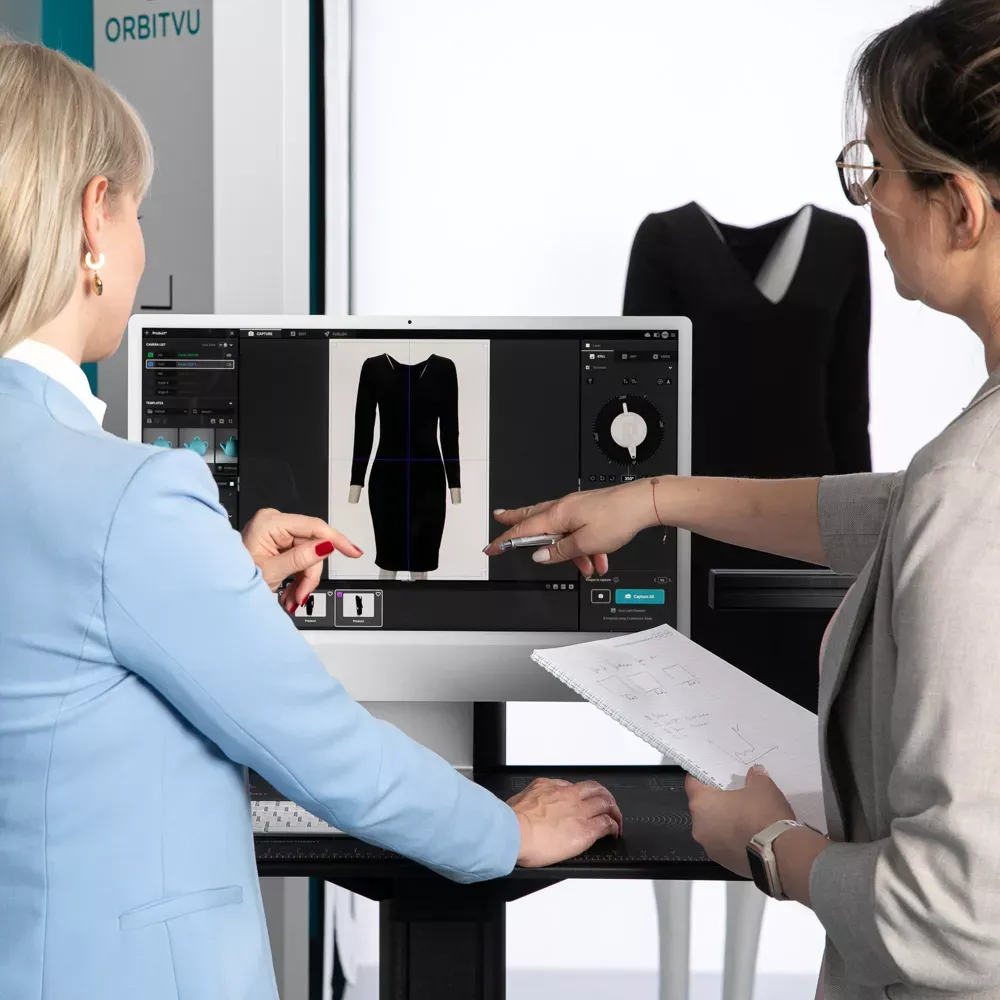
Use the form to tell us what you are planning and what kind of product content workflow you need.
March 22, 2026
Real-time background removal, Broncolor lighting control, Capture One RAW support, custom metadata, and a new automation API — all in Orbitvu Station 26.1.
July 1, 2025
Brace yourself! Orbitvu is coming to FIN, this time in London! This latest series aims to provide insight into the latest e-commerce photo studio technology and workflow tools globally being implemented by studios both large and small. We are proud to partner with FIN for this event after a roaring success in LA, New York, and Atlanta.
July 1, 2025
Go big or go home. This version of Orbitvu Station introduces support for ALPHASHOT PRO G2, a completely new approach to light customization and user interaction, along with our innovative AI Photo Assistant. Are you ready for it?