March 22, 2026
Orbitvu Station 26.1 - Glowing Light
Real-time background removal, Broncolor lighting control, Capture One RAW support, custom metadata, and a new automation API — all in Orbitvu Station 26.1.

From new ways of content creation to some interface uplift. Let's have an inside look at main new features form the latest Orbitvu software release.
Table of contents
From new ways of content creation to some interface uplift. Let’s have an inside look at main new features form the latest Orbitvu software release.
It is as easy as that! Just record a video, select 360° in the PUBLISH section, choose Video option and number of frames. You will get high quality 360° spin from your video file.
Struggling with Superfocus feature? Experience our brand new wizard. It guides you step by step and shows how to work with the Super Focus to achieve the best results.
If you are familiar with Superfocus, with the new version of Orbitvu Station, you can set up all its parameters manually. Use it to speed up your workflow when you know the exact settings you need.
Turn on the depth of field preview to know precisely what it looks like before you press the Capture button. It allows you to adjust the aperture value more precisely to get full control over the focus.
Starting with the next release, you will update Orbitvu Station directly from the application level. No need to go to Orbitvu SUN page.
Using keyboard shortcuts can boost your productivity, so it’s good to have them at hand. Type CTRL+? to get the full list of shortcuts for Orbitvu Station.
As you can see below, we have modified some icons to give the software interface a modern and lighter look to improve the usability even more.
For reminder, Orbitvu Station is free of charge for all clients with an active support plan. If you want to try our software but you do not have the support plan, please activate it on your SUN account at orbitvu.co or contact our sales forces at [[email protected]](/cdn-cgi/l/email-protection#2655474a4355664954444f5250530845494b).
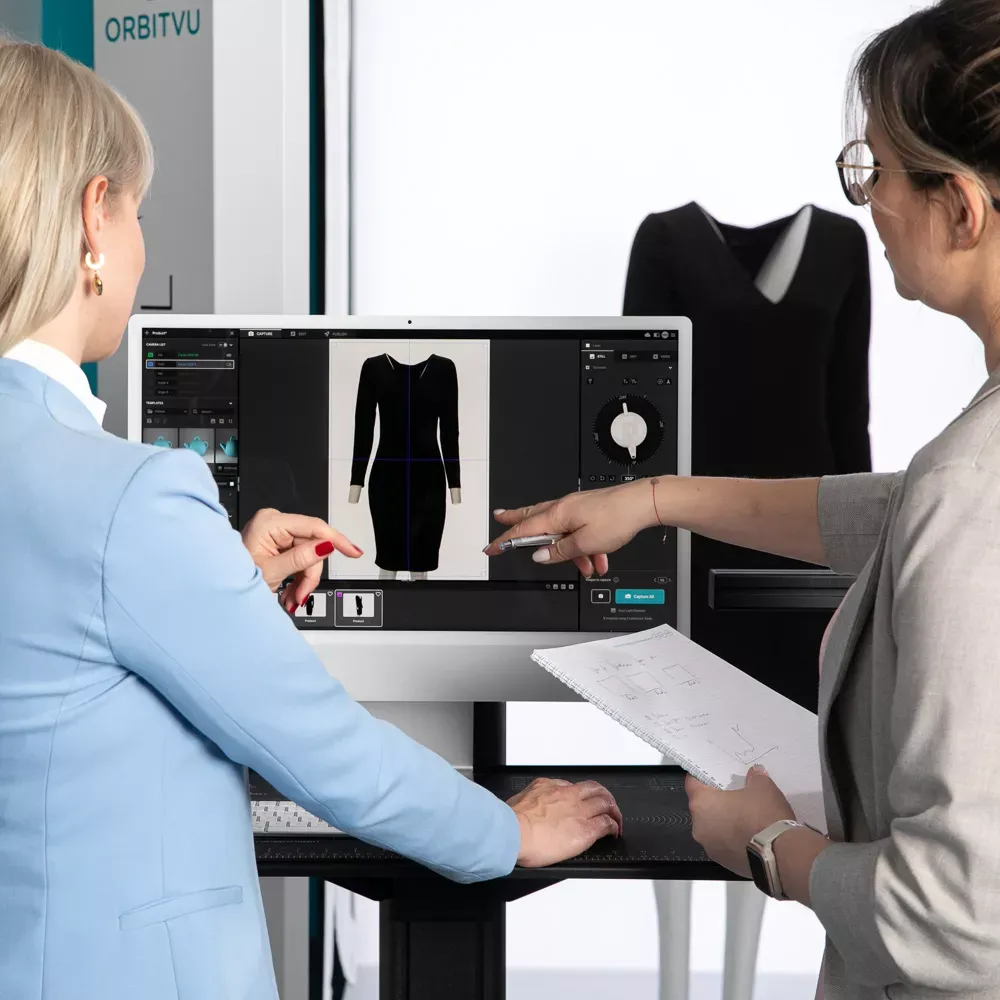
Use the form to tell us what you are planning and what kind of product content workflow you need.
March 22, 2026
Real-time background removal, Broncolor lighting control, Capture One RAW support, custom metadata, and a new automation API — all in Orbitvu Station 26.1.
July 1, 2025
Brace yourself! Orbitvu is coming to FIN, this time in London! This latest series aims to provide insight into the latest e-commerce photo studio technology and workflow tools globally being implemented by studios both large and small. We are proud to partner with FIN for this event after a roaring success in LA, New York, and Atlanta.
July 1, 2025
Go big or go home. This version of Orbitvu Station introduces support for ALPHASHOT PRO G2, a completely new approach to light customization and user interaction, along with our innovative AI Photo Assistant. Are you ready for it?