Orbitvu

Product photography software

Orbitvu Station: product photography software that runs your studio

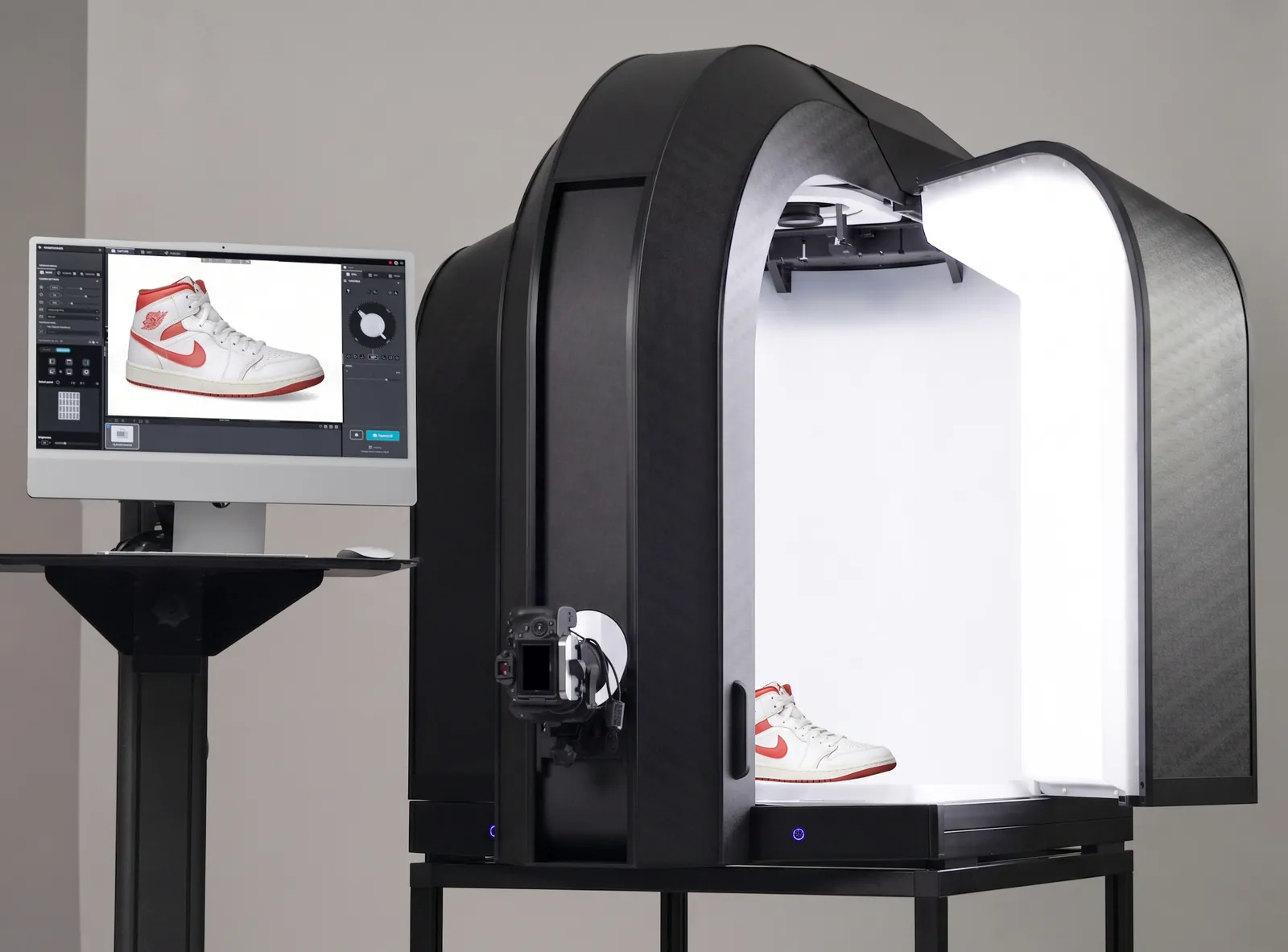
Orbitvu Station is an AI-enabled product photography software that automates content production for your product. Works with a Canon camera, flash lighting, and motorized Orbitvu gear, or entirely on its own. Captures images, videos, 360° spins, product labels, and outputs anywhere in any format.

With AI where it matters.

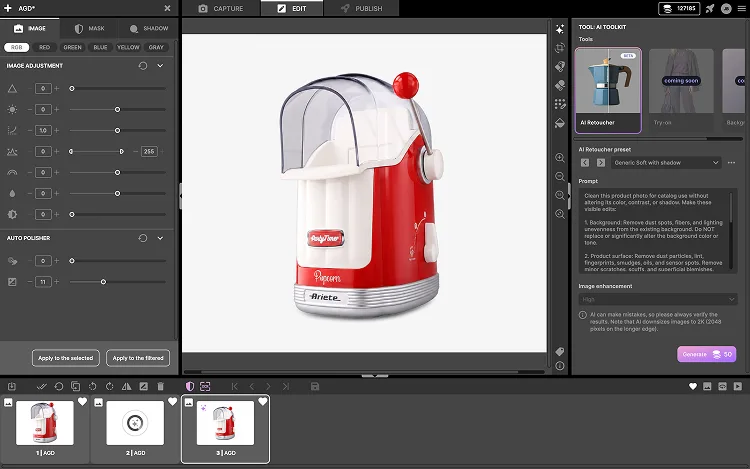
Orbitvu Station AI Retoucher editing screen

Trusted by

Trusted brand 1
Trusted brand 2
Trusted brand 3
Trusted brand 5
Trusted brand 7
Trusted brand 8

The benefits

What Orbitvu Station gives you

Product content capture workflow

Product content is at the centre of Orbitvu Station. It positions the product, takes the shot, processes the image, and gets it ready to publish - everything in one system, not multiple disconnected tools.

AI-assisted

The product photography software technology that's here to speed up delivering true-to-reality content, not disrupting it. Present from the capture stage. The final choice stays yours - AI assists you along the way.

Built for scale

Integrated camera tethering with lighting control, product positioning, automatic post-production, and direct publishing - one photography workflow software instead of five disconnected tools. Template-based capture ensures consistent images across every SKU.

For any studio

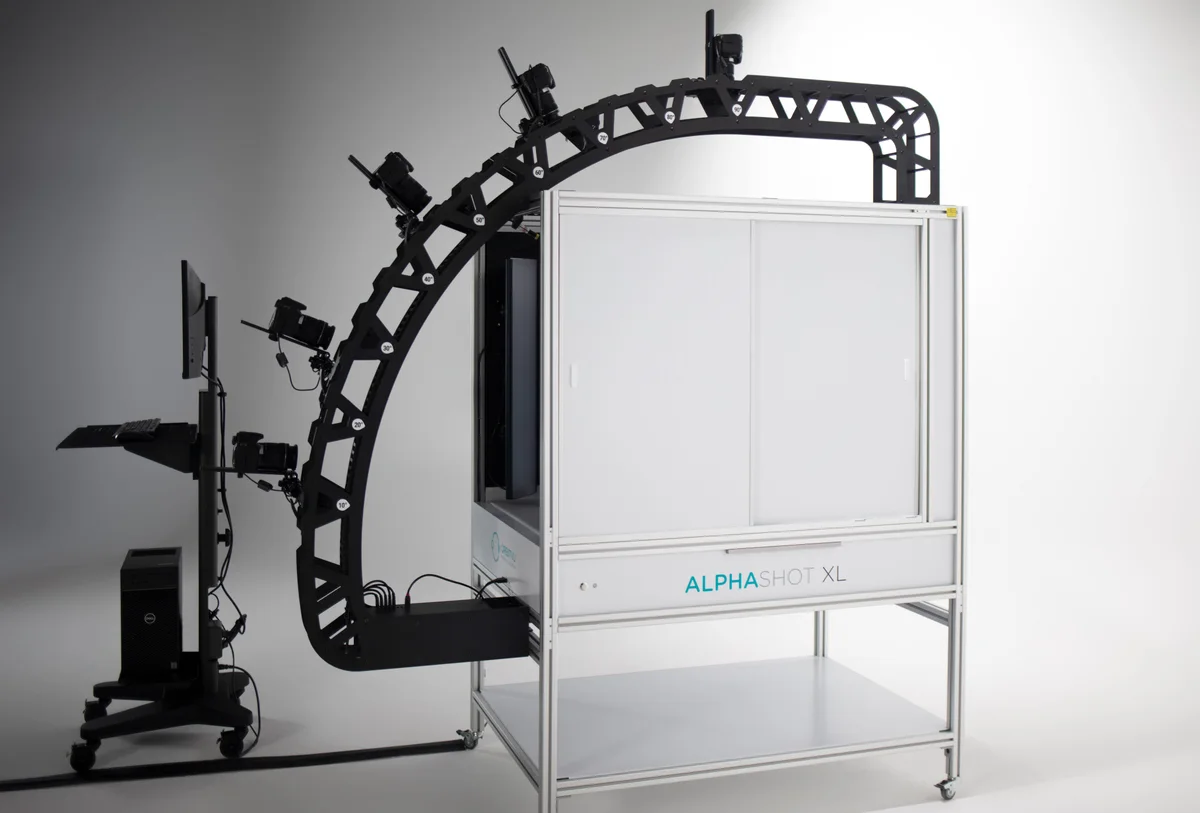
Orbitvu Station is product photography software built as the control layer for Orbitvu automated studios - but runs standalone with any Canon-based photo studio. Camera tethering, AI-driven post-production, and direct publishing to Shopify, Magento, or your DAM.

All the possibilities of the software

The features of Orbitvu Station

Template-based end-to-end workflow

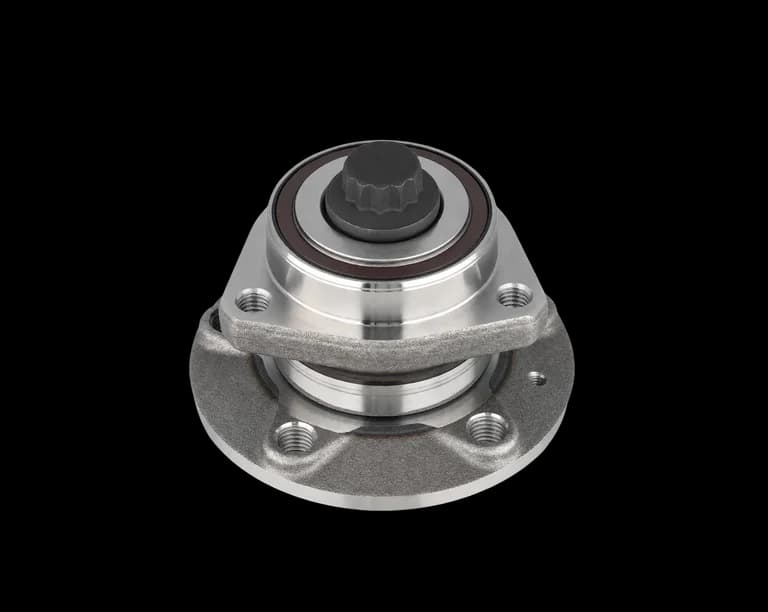
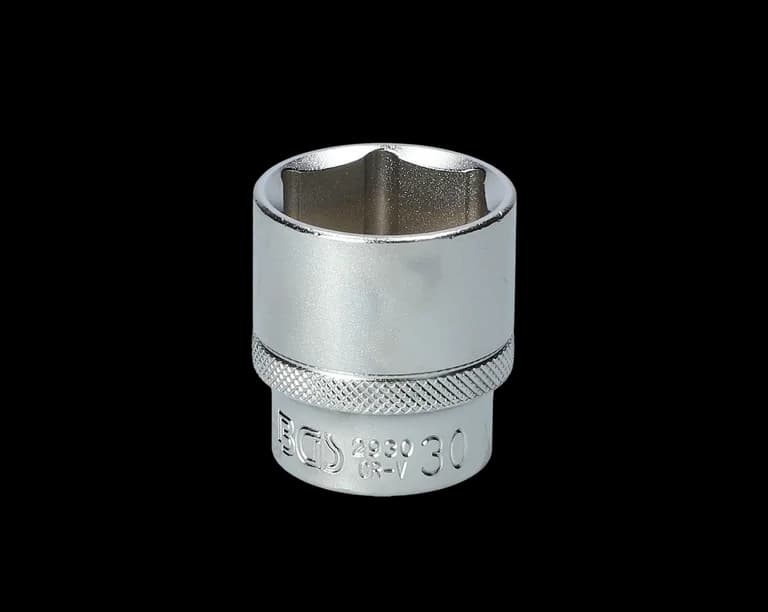
Create a perfect still image, still sequence or video and save it as a template for repeatable work. Keep a database of templates for different products, lighting styles and post-production settings. Use publish profiles to output to multiple locations at once.
Template workflow previewTemplate workflow previewTemplate workflow preview

Capture stills, video and product data

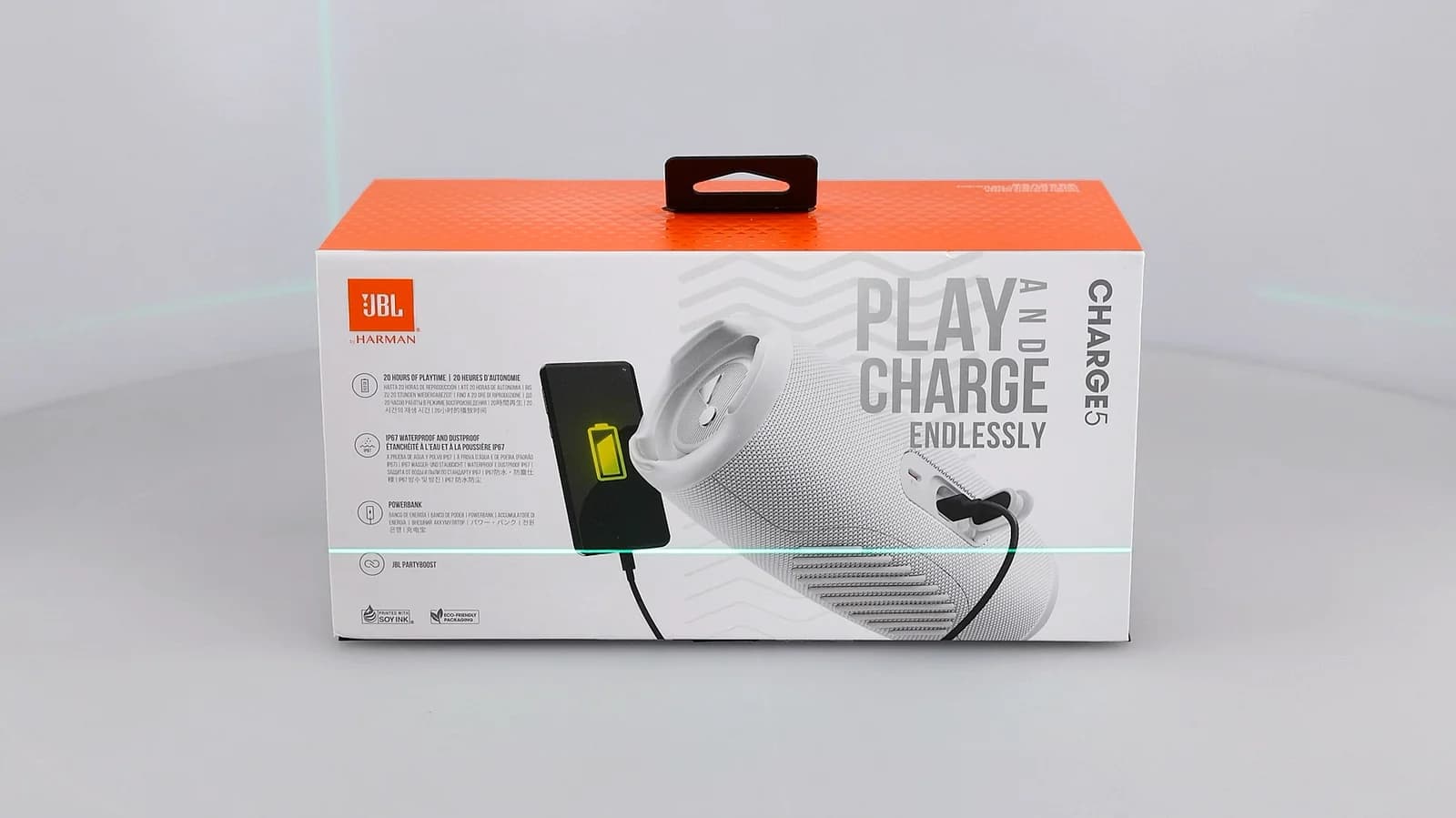
Product images, 360° spins, product video, physical measurements, label scanned metadata (using AI OCR tool) - captured and processed in the same workflow.
Live model product video example

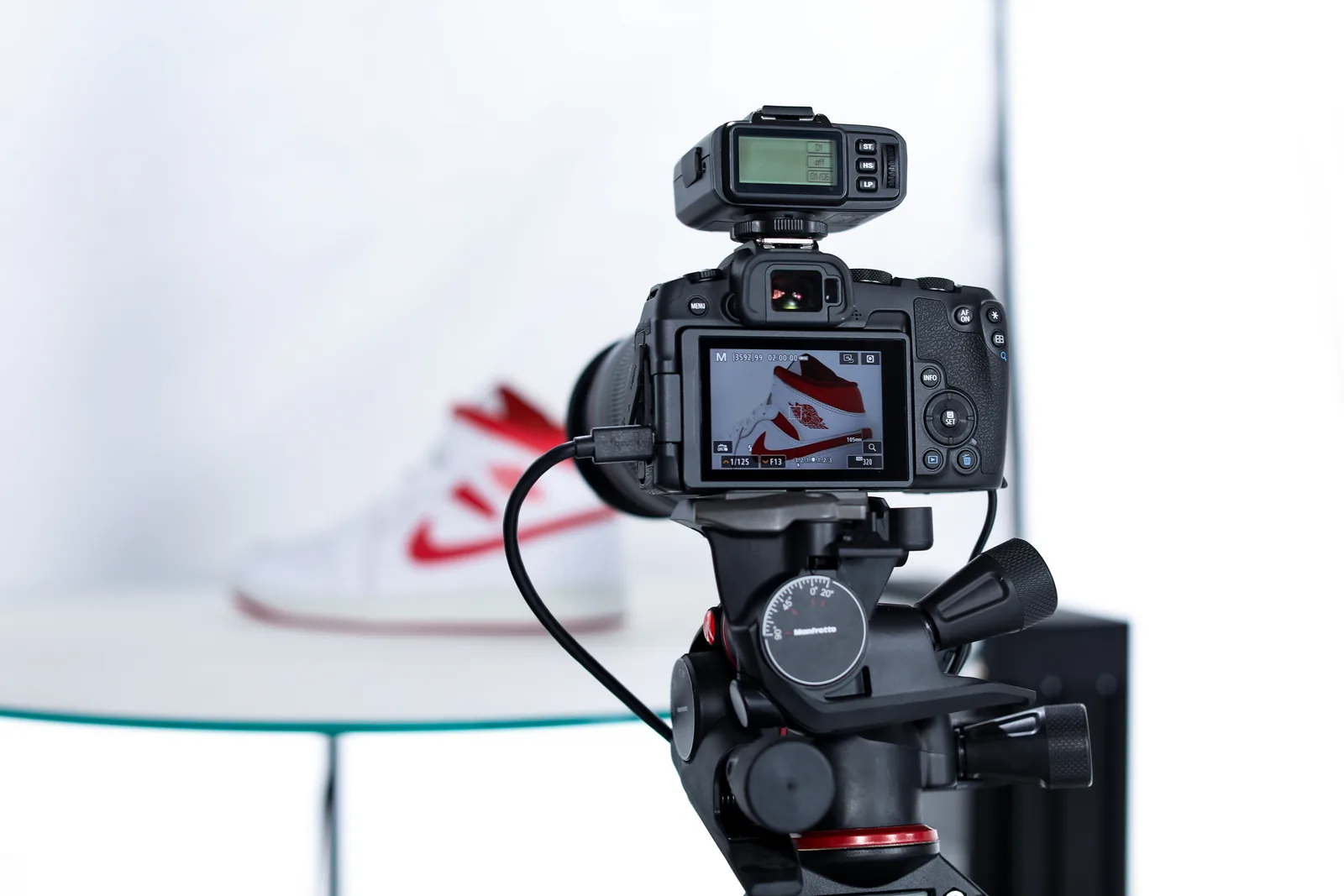
Camera tethering software - up to 5 Canon cameras

Tether up to 5 Canon cameras from one workflow. Full remote control for stills and video, live view preview with position overlays, focus helpers, and automatic exposure. Super Focus (focus stacking) capture and processing runs in the cycle.
Camera tethering and focus tools in Orbitvu Station

Lighting control

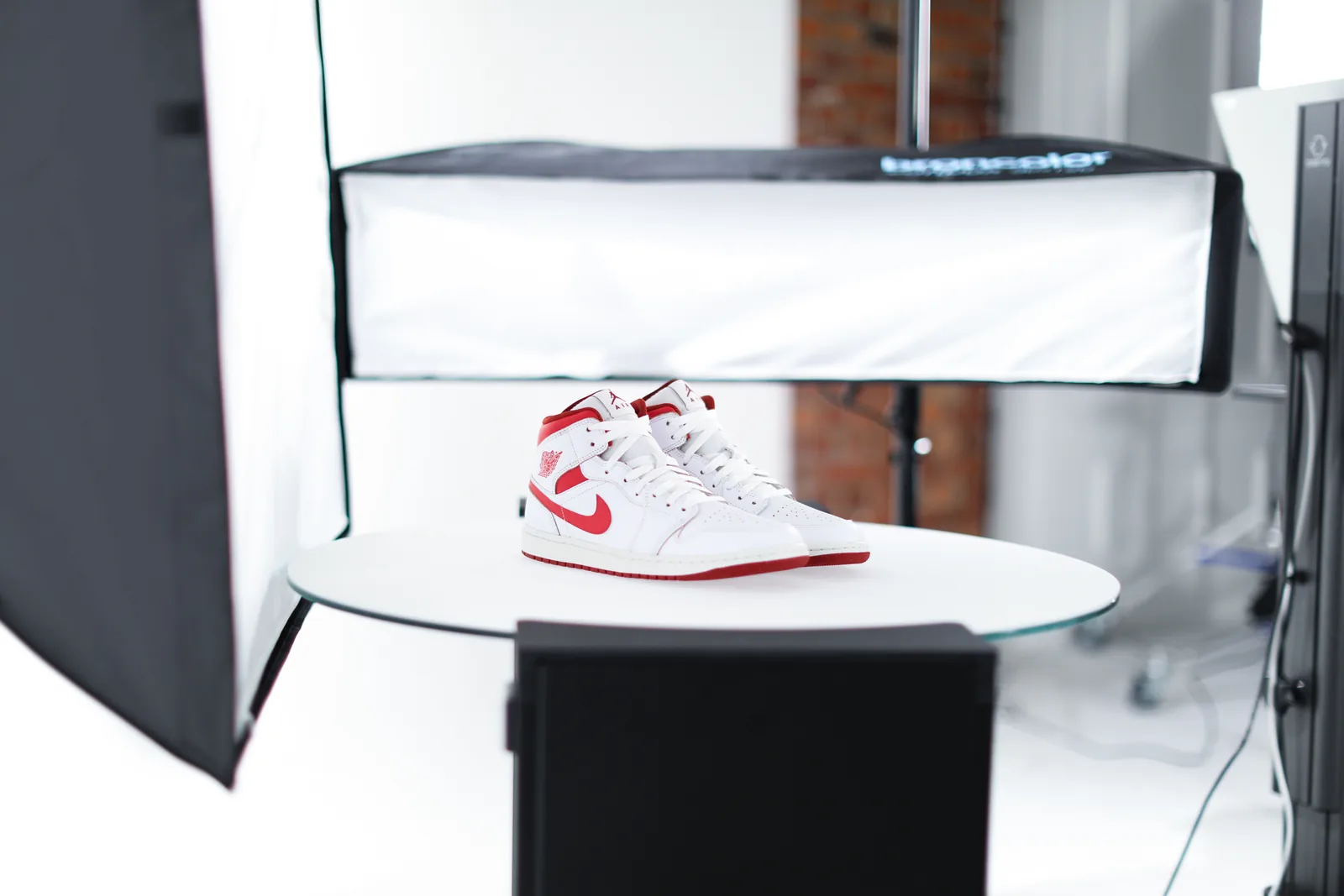
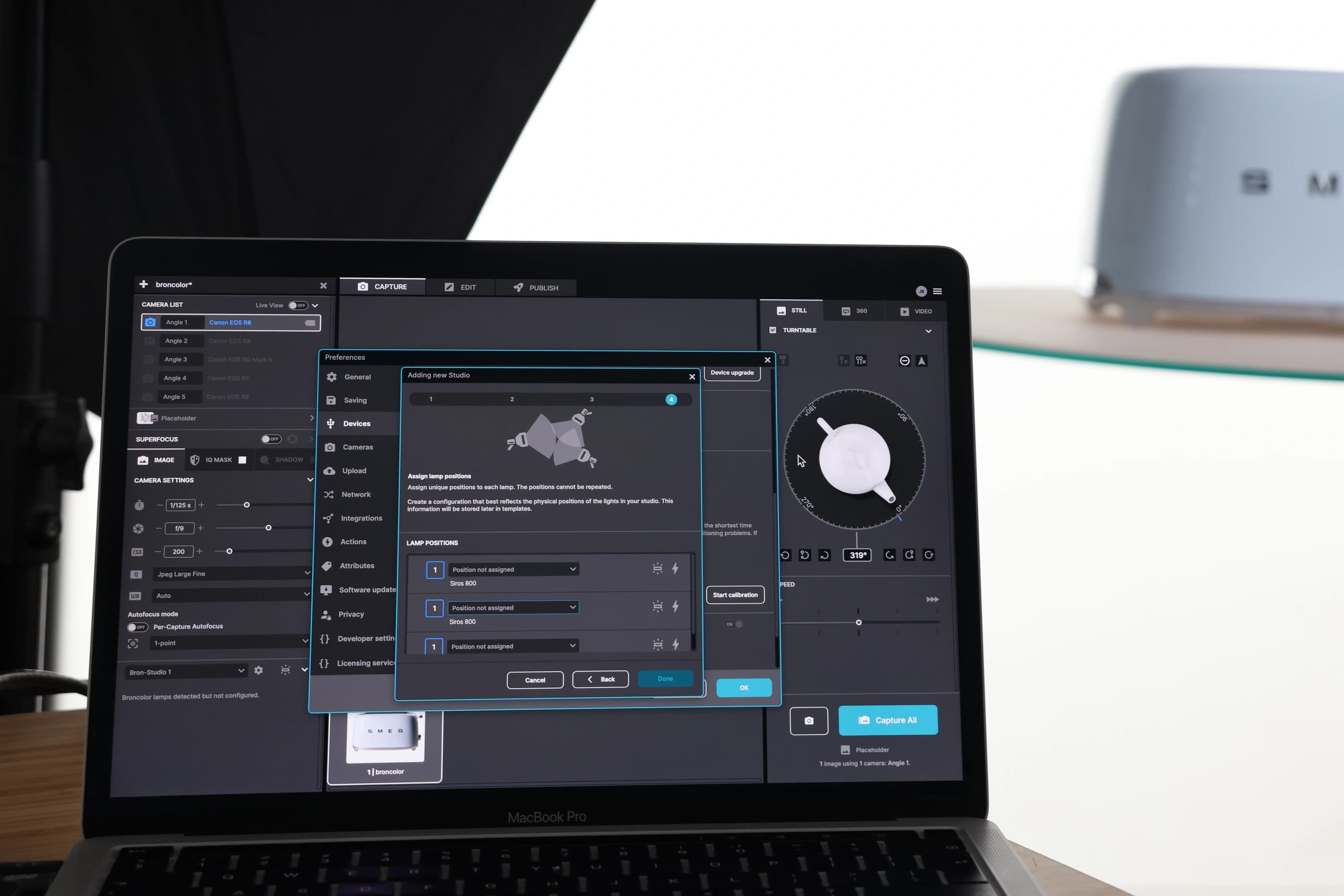
Adjust lighting in any of Orbitvu compact photo studios. The AI Photo Assistant helps you find the optimal lighting setup for your specific type of product. Combine multiple broncolor Siros strobes into a virtual studio and control them wirelessly, just like any Orbitvu studio. Save lighting setup within capture templates.
Studio lighting control preview in Orbitvu Station

Post-production and retouching

Once a shot is captured, Orbitvu Station removes the background (using IQ Mask or AI Mask technology), keeps natural shadow, and applies post-production tools automatically according to the selected template. Retouch the image manually or automatically with generative AI.
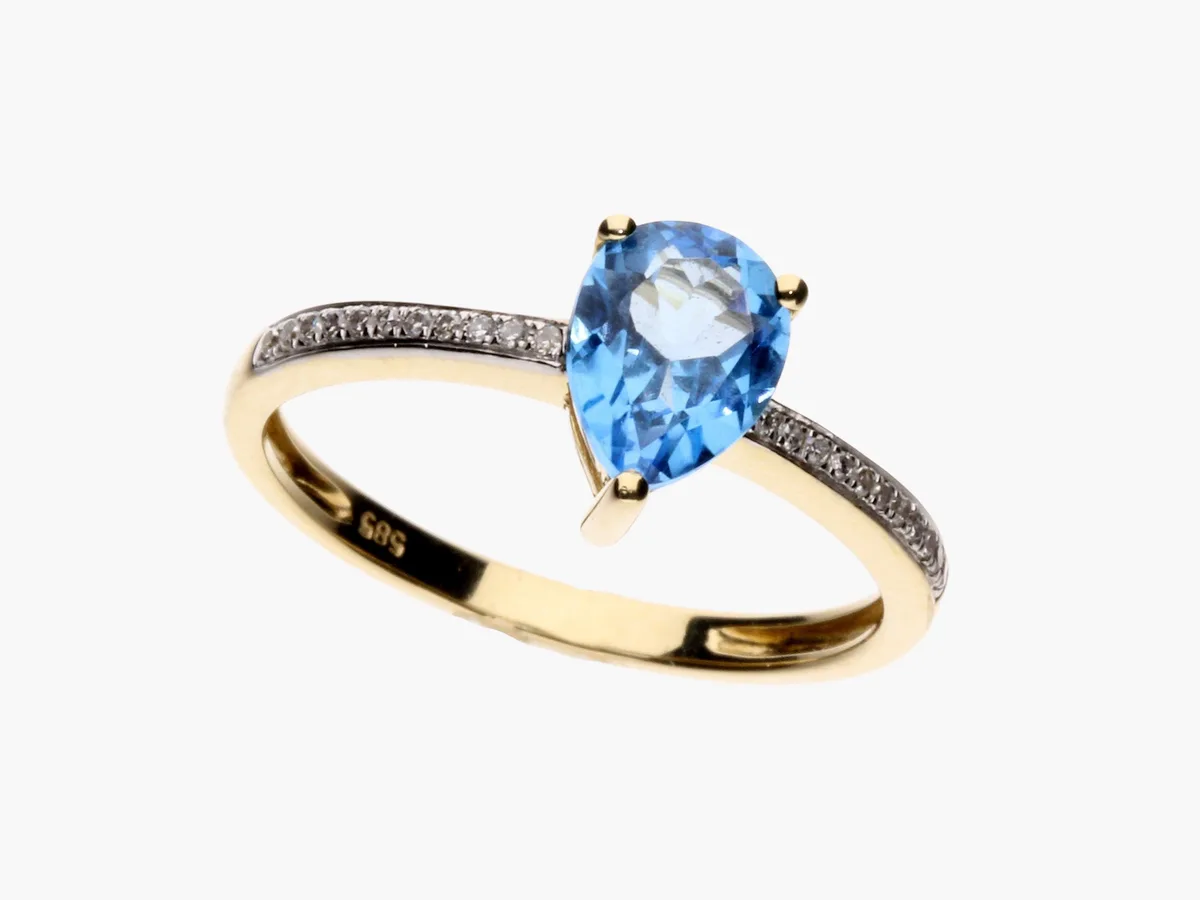
Product image before AI retouching

before

Product image after AI retouching

after

Publication profiles

Publish to multiple locations at once, while images are automatically cropped, scaled, and the product in the image is aligned. Output to local disc storage or to the cloud. Orbitvu connects with Shopify, Magento, Shopware, and WooCommerce, as well as Amazon S3, Azure, and Google Storage, allowing connecting any cloud system.
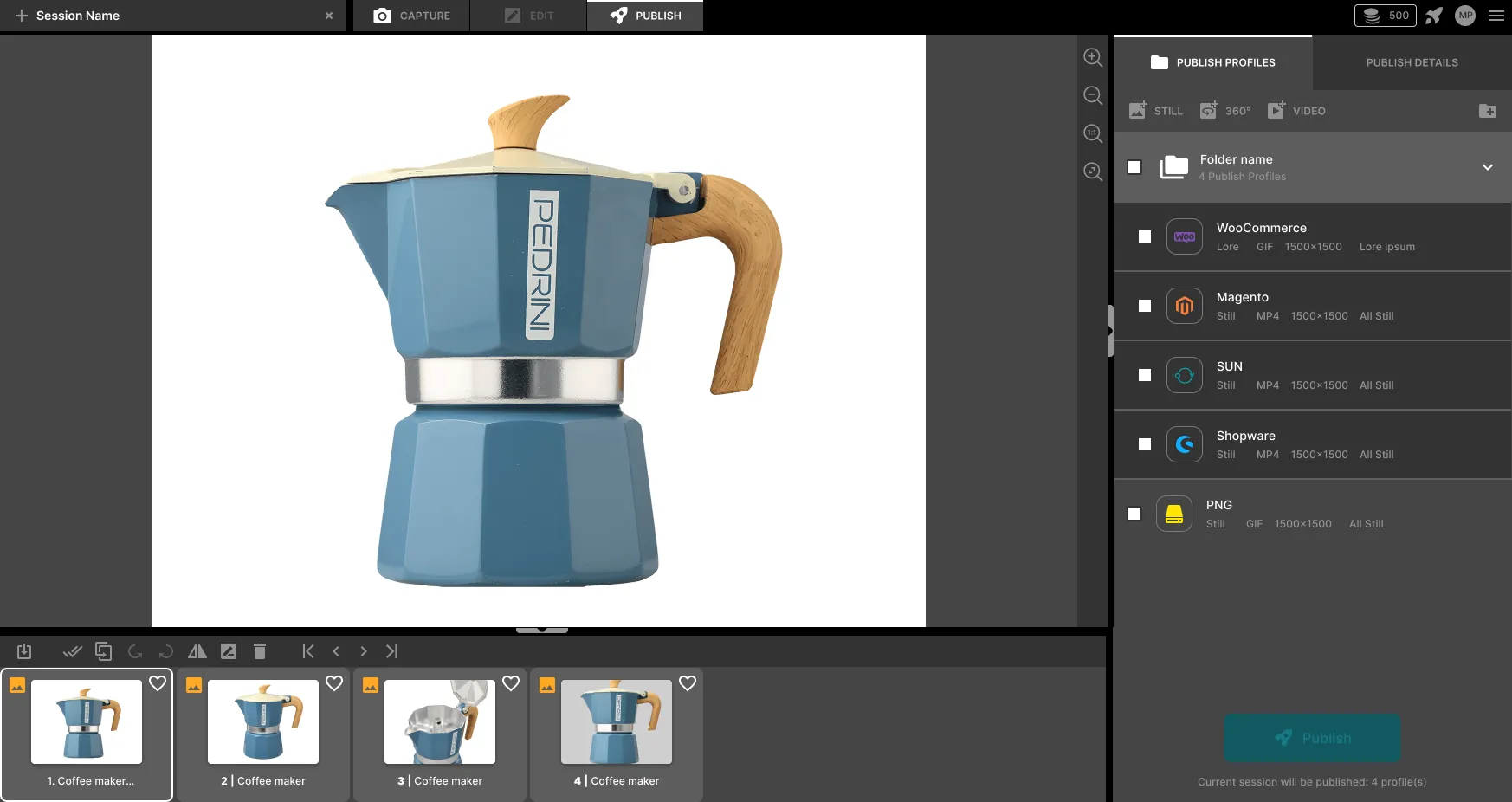
Publication profiles and export destinations settings

Open architecture

Integrate with custom workflows via API or external JavaScript actions. Apply your own post-production tools, or publish to your dedicated cloud service. Comes with connectors to Capture One, Creative Force and more.
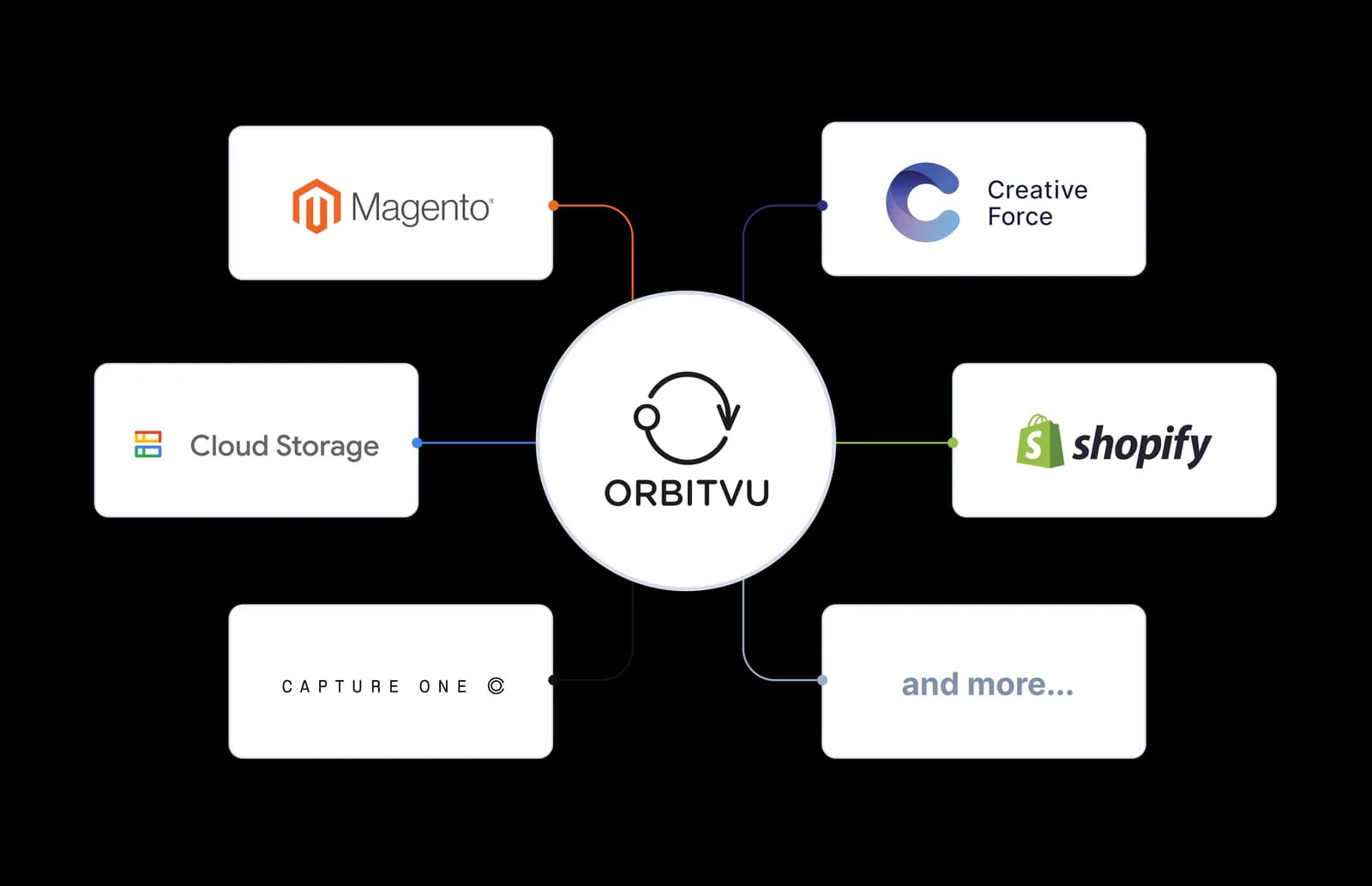
Open architecture integrations diagram

Metadata

Add custom product attributes, let AI read your product data (AI OCR), and fill them out for you. Output metadata alongside visuals.

Try our AI features

Start the free trial of Orbitvu Station software and discover all the capabilities of AI-assisted photography. Start the trial
Future-ready Orbitvu workflow with upcoming AI capabilities

Choose your plan

Plans built around how you work

One plan. One system.

Enterprise

For teams running production at higher volume.

  • Template-based capture workflow
  • Up to 5 cameras tethering
  • Motorized turntables and camera gear control
  • Post-production tools (manual and automatic AI-based)
  • AI tools: AI Mask, AI Retoucher, AI OCR
  • Multiple publish destinations at once
  • 3rd-party lighting (broncolor) integration
  • Creative Force & Capture One integration
  • AI Photo Assistant (available for supported devices)
  • Stills, 360° spins. 3D-multirow, still sequence, and video capture
  • E-commerce plugins
  • Priority support via email, phone, TeamViewer
  • 4500 credits monthly
  • 1 GB of storage per User
  • API
  • Offline mode available

30 days, full access, no credit card. Sign in to your Orbitvu Cloud account and start the trial. We'll email you before the trial ends - extend with a paid plan if you want to keep going. Otherwise it expires quietly.

One software - endless possibilities

Works with the studio you have

From standalone camera workflows to fully automated compact studios - Orbitvu Station runs the same core process in every setup.

Level 1

Any photo studio with a Canon camera

Camera control, automatic post-production, AI where it matters.

Any studio setup with Canon camera

Level 2

Add flash lighting and Orbitvu Smart Photo Studio gear

Add broncolor Siros strobes and Orbitvu Smart Photo Studio motorized turntables and camera gear.

Lighting and motorized gear setup

Level 3

Choose Orbitvu compact photo studios

One system controls the camera, the lighting, and the studio itself.

Orbitvu compact studio workflow

Ask for more info

Contact form for more questions

* Required field

FAQ

Frequently asked questions

Orbitvu Station is a product photography software developed by Orbitvu. It combines camera tethering (Canon cameras, up to 5 at once), automated lighting control, in-flow AI background removal (IQ Mask), and direct publishing to systems and platforms like Shopify, Magento, and Amazon S3. It works standalone with Canon cameras, or fully integrated with Orbitvu automated photo studios.

Orbitvu Station product photography software offers various functionalities, including:

  • Camera tethering and control with live view, up to 5 cameras at a time, automatic exposure setup, still images and video capture.
  • Automatic post-production, AI Masking, AI OCR, AI Retoucher, and direct publish - all in one connected workflow.
  • Orbitvu Smart Studio accessories control - motorized turntables, hanging kits, motorized camera column.
  • Template-based workflow - templates store camera, lighting and post-production setup.
  • Compatibility updates for new camera and lens models.
  • Integrations with external systems such as broncolor and Capture One.
  • Integrations with online stores and network drives.

Yes. Orbitvu Station can work on its own as editing software, so you don't need any hardware. A photo studio with a Canon camera, broncolor lighting, and Orbitvu hardware add further automation but are not required to get started.

The main differences between the Pro and Business plans are API, the availability of offline mode, support, and the number of credits.

An Orbitvu Cloud account (free to create) and a Canon camera. No credit card required. Download the desktop app and install it on your computer. The trial starts when you activate it in your account and runs for 30 days with full features. We'll notify you before it ends - extend by choosing a plan, or let it expire.

The majority of businesses use Orbitvu Station product photography software to produce consistent, true-to-reality content at scale in one unified workflow.

Yes, it is possible to book a dedicated training session on-site or online. Contact your local consultant at sales@orbitvu.com to see if this option is available in your area.

Yes, natively. Orbitvu Station controls broncolor Siros strobes wirelessly through the same interface that controls your Canon camera and turntables. Save the lighting configuration into a capture template and reuse it across sessions. broncolor is Orbitvu's technology partner, so integration is built-in - not a workaround.

Capture One and Lightroom Tether are photography software built for editing individual images. Orbitvu Station is built for product photography workflow: capture, background removal, and direct publishing to your storefront in one connected pipeline. If you're editing single portraits or landscapes, Capture One or Lightroom fit better. If you're producing 100+ product images a day, Orbitvu Station is designed for that use case.

You can publish it directly to your e-shop, PIM, DAM, or cloud/local storage. Orbitvu connects with Shopify, Magento, Shopware, and WooCommerce marketplaces, as well as Amazon S3, Azure, and Google Storage.

Try out the software

Real products. Trusted content at scale.

Automate your product photography, keep AI where it matters, and stay in control of every shot.

No credit card required