A Complete Guide to Flat Lay Fashion Photography in 2026
Learn how to shoot flat lay fashion photos in 2026: setup, lighting, camera settings, post-production, and marketplace-ready exports.
Table of contents
Flat lay clothing photography is the standard method for capturing garments, accessories, and beauty items for e-commerce - products are laid on a flat surface and photographed from directly above. This guide to automated product photography covers everything you need to produce professional flat lay images: garment preparation, lighting setup, camera settings, background removal, and export for every major marketplace.
Key takeaways
What it is: Flat lay clothing photography means arranging a garment on a flat horizontal surface and shooting it from directly above (bird's-eye view).
Two formats: Use packshots (clean white background, RGB 255,255,255) for product detail pages and marketplace compliance; use still life (textured backgrounds, props) for social and lifestyle marketing.
Camera settings: ISO 100-200, aperture f/8-f/11, focal length 35-105 mm for close-ups, white balance set using a grey card.
Lighting: Diffused artificial light around 5500 K, applied from the side (raking light) to reveal fabric texture - not directly in line with the camera.
Background removal: Remove the background even on a white backdrop. Tools like IQ Mask do it during capture and keep the natural shadow.
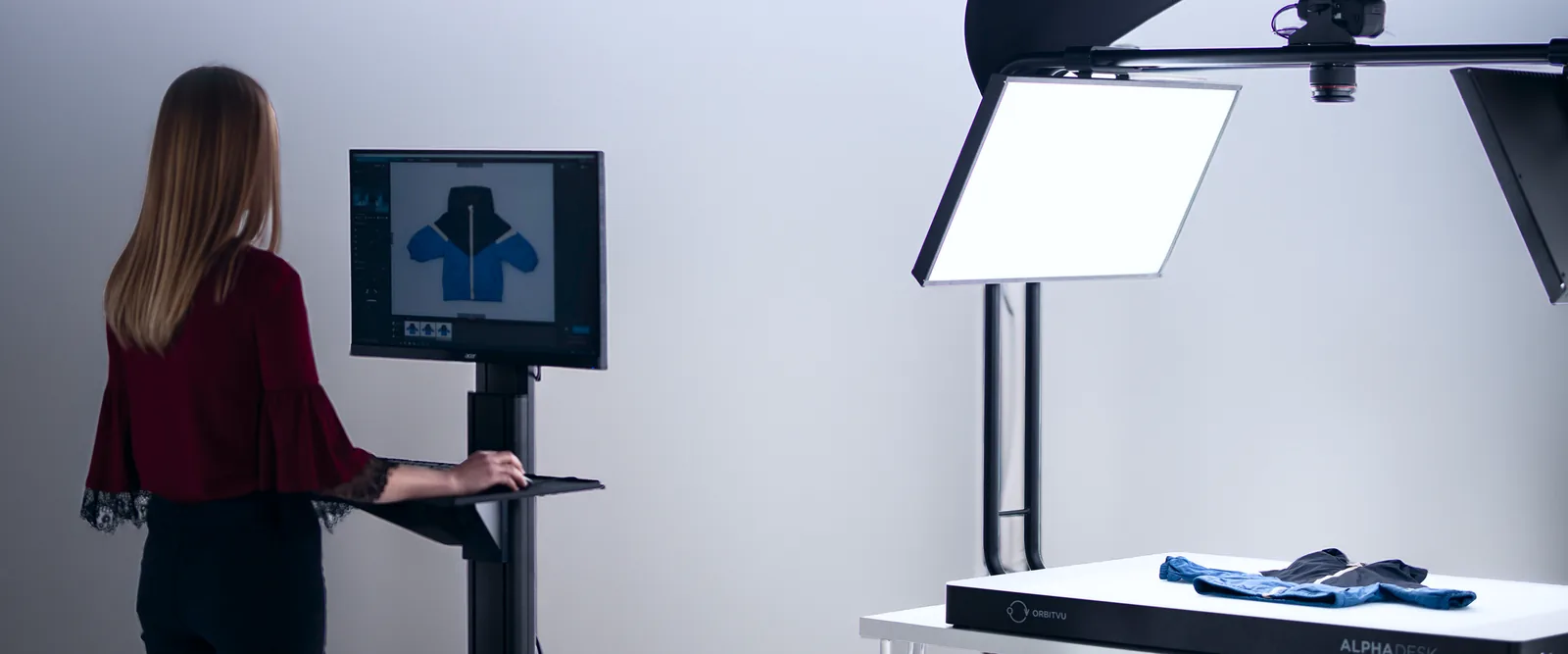
Manual vs automated: A tripod suits low-volume creative shoots; an automated flat lay table like Orbitvu Alphatable suits high-volume e-commerce.
What is flat lay clothing photography?
Flat lay clothing photography is a shooting technique where a garment or product is arranged on a flat horizontal surface and photographed from directly above. It captures the full shape, color, and texture of an item in a single frame - which is why most major online marketplaces require it for fashion, beauty, accessories, homeware, and food.
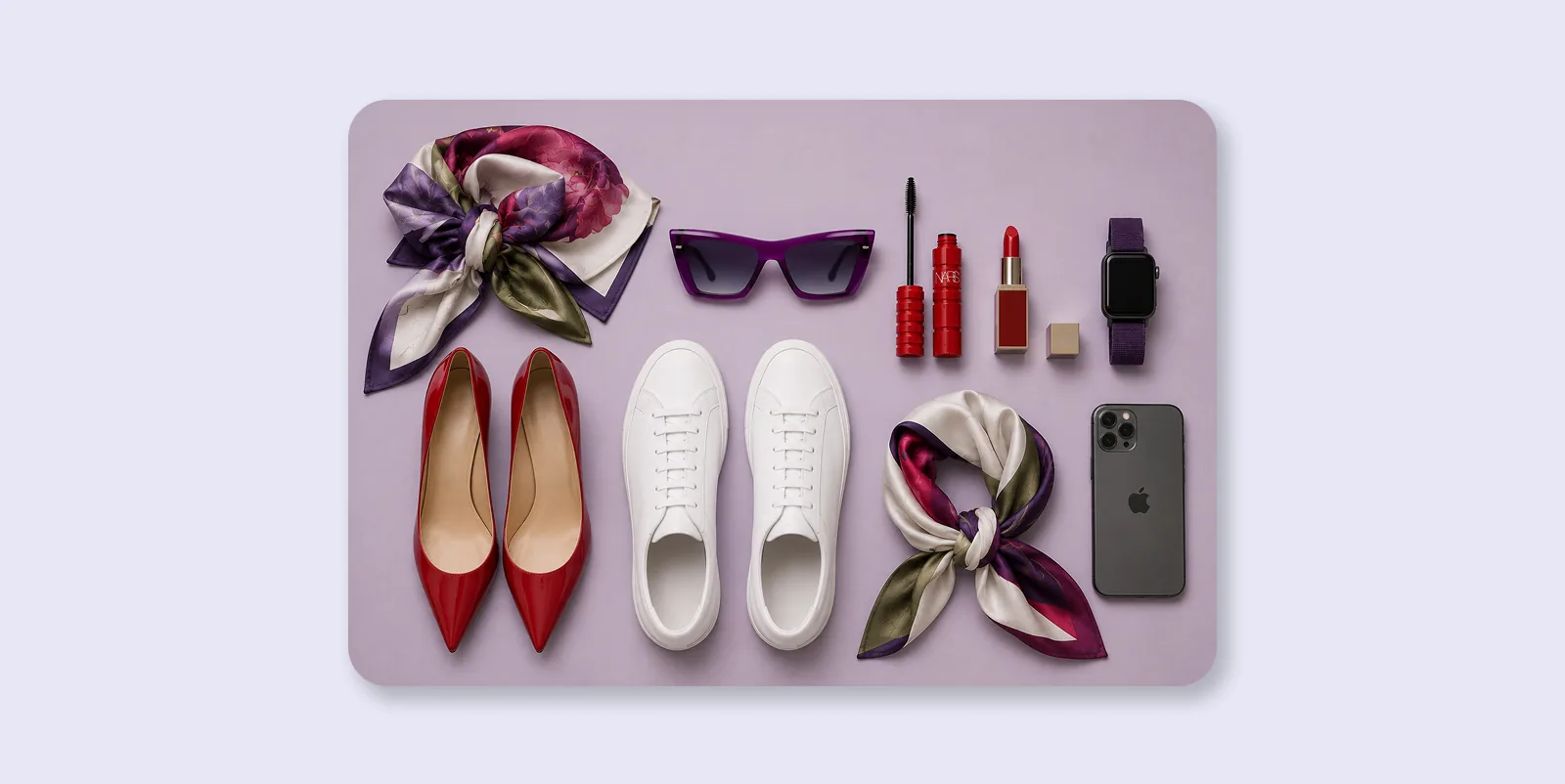
Classic flat lay composition
What is the difference between a packshot and a still life flat lay?
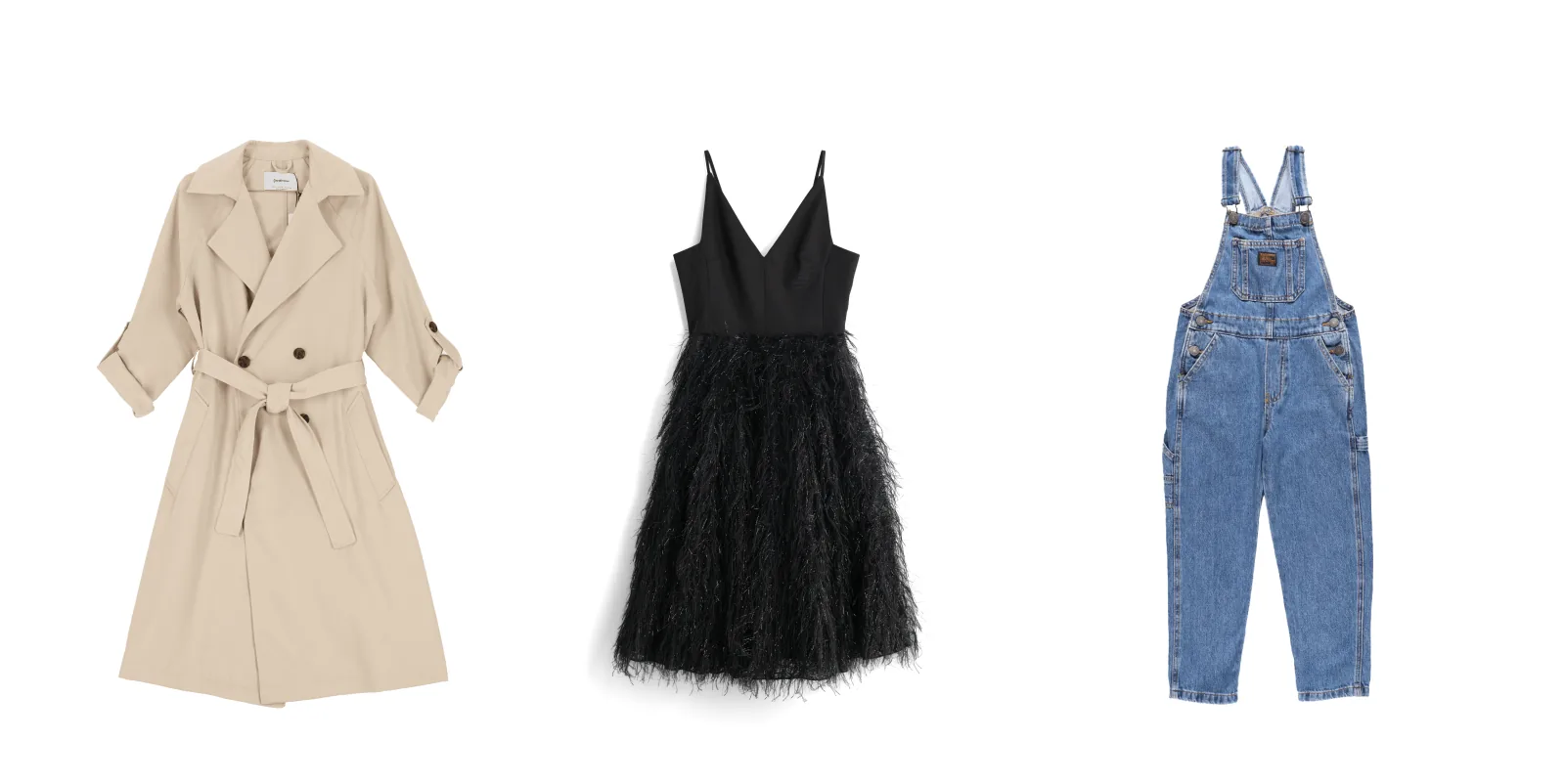
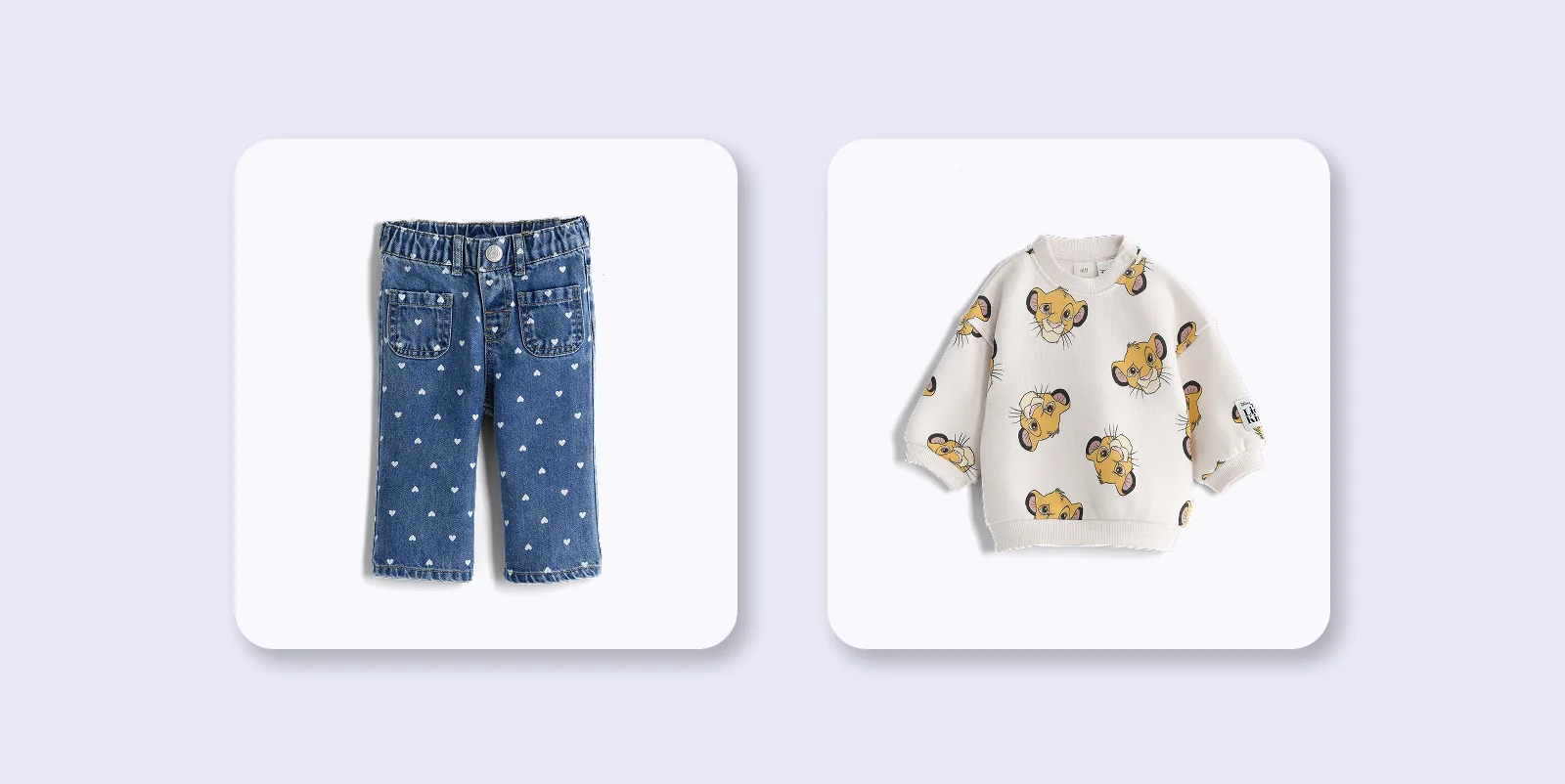
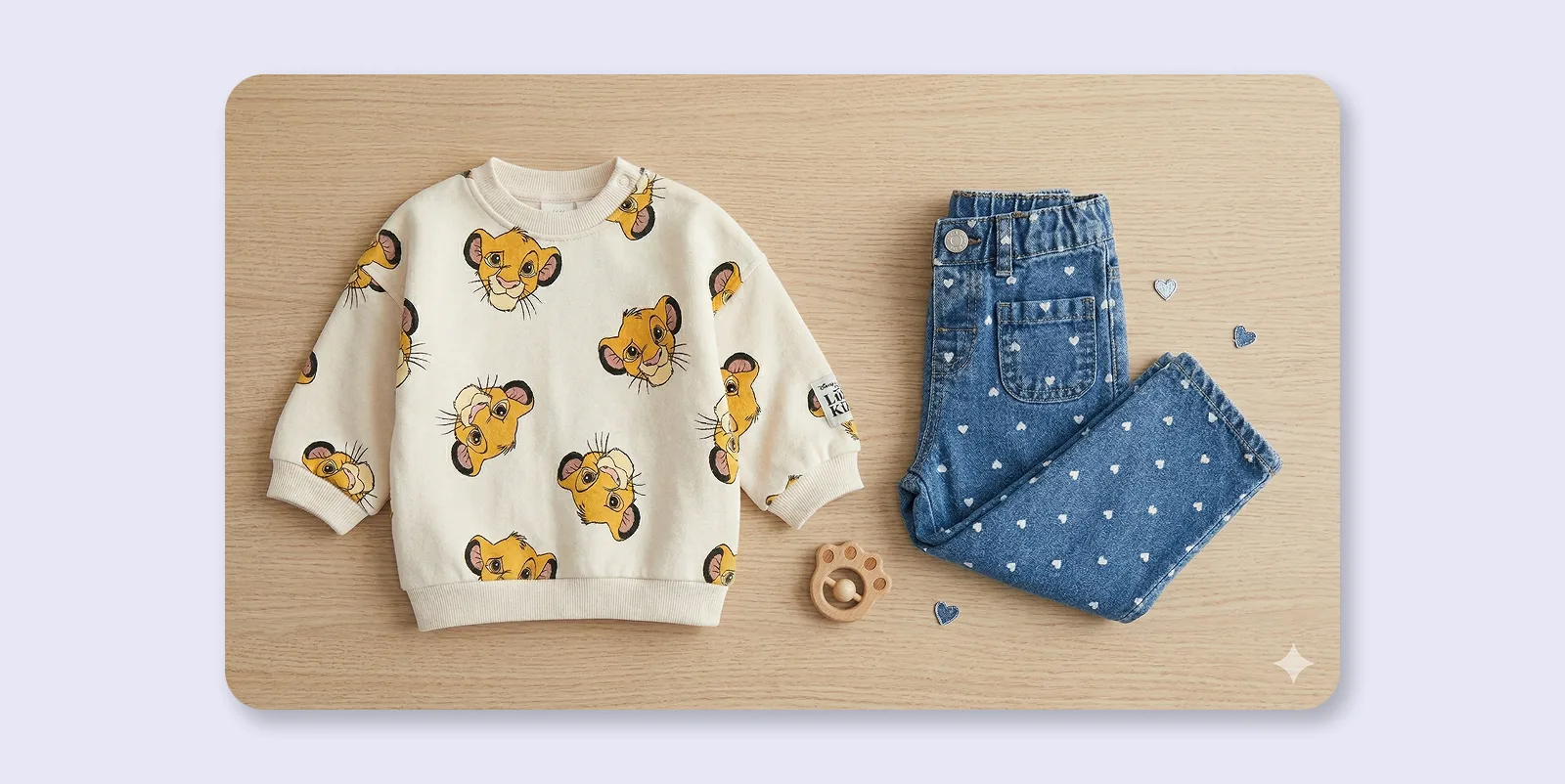
A packshot is a clean, white-background product photo optimized for accuracy - the standard for e-commerce listings. A still life flat lay uses textured backgrounds, props, and creative composition to tell a brand story and create an emotional connection. Most successful e-commerce brands use both: packshots for product detail pages and marketplace compliance, still life for social media and lifestyle marketing.
Packshot flat lay
Use a uniformly lit, white background (RGB 255,255,255).
Place your product centrally for a clear, unambiguous view.
Keep the full item in frame with natural contrast.
Still life flat lay
In still life shots, use props and textured backgrounds.
Use the rule of thirds for dynamic compositions.
Let selected items extend beyond frame if that supports the visual story.
Try knolling too - aligning objects along parallel lines or 90-degree angles to create a clean, geometric look.
Knolling arrangement in flat lay photography
The modern shift: once you needed many physical props and backgrounds for each setup. Today, you can capture a clean flat lay and then use generative AI backgrounds to place the cutout into digital scenes. Keep the natural shadow during capture for the best result.
How do you set up a flat lay clothing photography studio?
A flat lay setup needs three things: a flat surface, an overhead camera position, and consistent lighting. The four most common options are:
Automated flat lay table (fastest, most repeatable)
Tripod with extension arm (solid manual option)
Ladder + handheld camera (flexible but inconsistent)
Smartphone (accessible but limited)
Manual vs automated flat lay photography
Factor
Manual (tripod)
Automated (Orbitvu Alphatable)
Background removal
Manual editing required
Automatic (IQ Mask)
Consistency across SKUs
variable
high
Natural shadow preservation
manual
automatic
Best for
low-volume, creative shoots
high-volume e-commerce
1) Automated table (Orbitvu Alphatable)
Fixed overhead camera for repeatable framing
Integrated lighting controlled in Orbitvu Station
Instant background removal with natural shadow preservation
2) Tripod + flat surface
Overhead camera via extension arm
Great for smaller runs
Usually requires manual post-production for pure white background
3) Ladder + handheld camera
Flexible scene design
Low repeatability due to camera movement
Higher chance of exposure and perspective inconsistency
4) Smartphone
Fast and easy for social/resale apps
Not ideal for catalog consistency at scale
How should you prepare clothing for flat lay photography?
Preparation has direct impact on the final image quality.
Steam or iron wrinkles
Lint-roll right before shooting
Hide labels and price tags
Trim loose threads
For packshots: lay garments symmetrically
For still life: allow controlled natural folds and add supporting props
An ideal packshot can document the product clearly. Still life frames add emotional context and help stop the scroll.
What is the best lighting for flat lay clothing photography?
The best lighting for flat lay clothing photography is diffused artificial light at around 5500 K, applied from the side at an angle. Side lighting (raking light) reveals fabric texture through soft micro-shadows.
Natural light vs artificial light
Natural light: great for still life, but variable across the day
Artificial light: best for repeatable packshots and catalogs
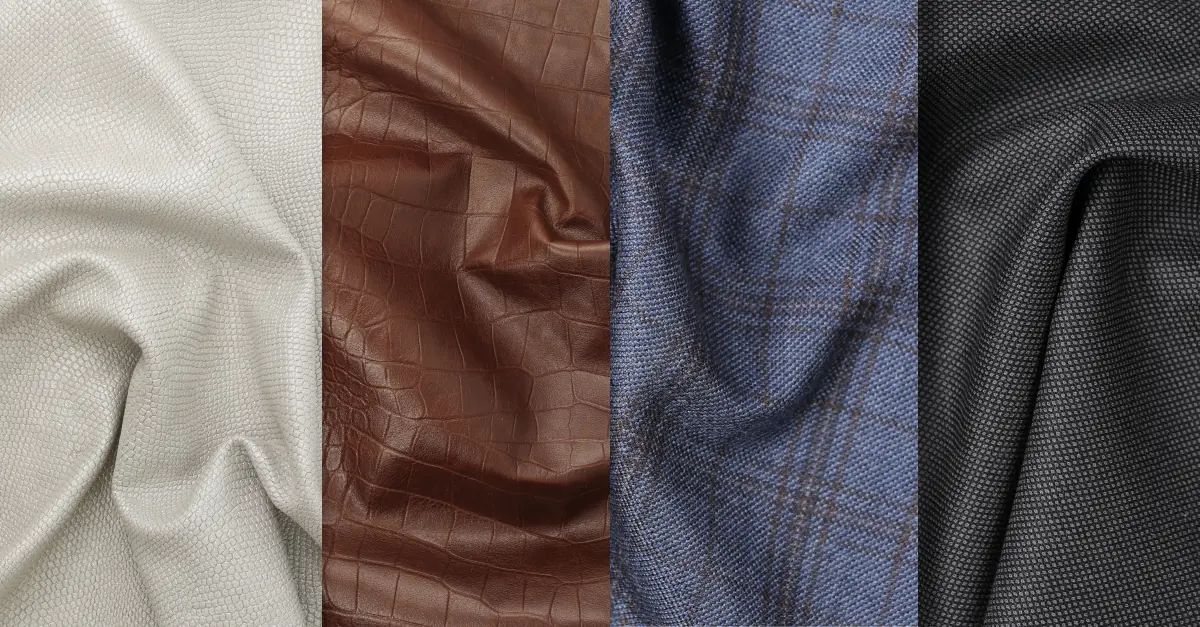
Side lighting reveals textile texture
Tip: never put your key light directly in line with the camera. Offset it to the side or slightly above product plane.
What camera settings should you use for flat lay photography?
Use ISO 100-200, aperture f/8-f/11, and focal length 35 mm or higher. Set white balance manually with a grey card.
Setting
Recommended value
Purpose
ISO
100-200
Prevents image grain/noise
Aperture
f/8-f/11
Ensures the full garment is in focus (maximum sharpness range of most lenses)
Focal length
35 - 105 mm
Prevents edge distortion
White balance
Set via grey card
Ensures accurate colour reproduction
With a fixed mount, you gain:
Repeatability: same angle on every shot
Longer shutter speeds: easier to use highly diffused, softer light
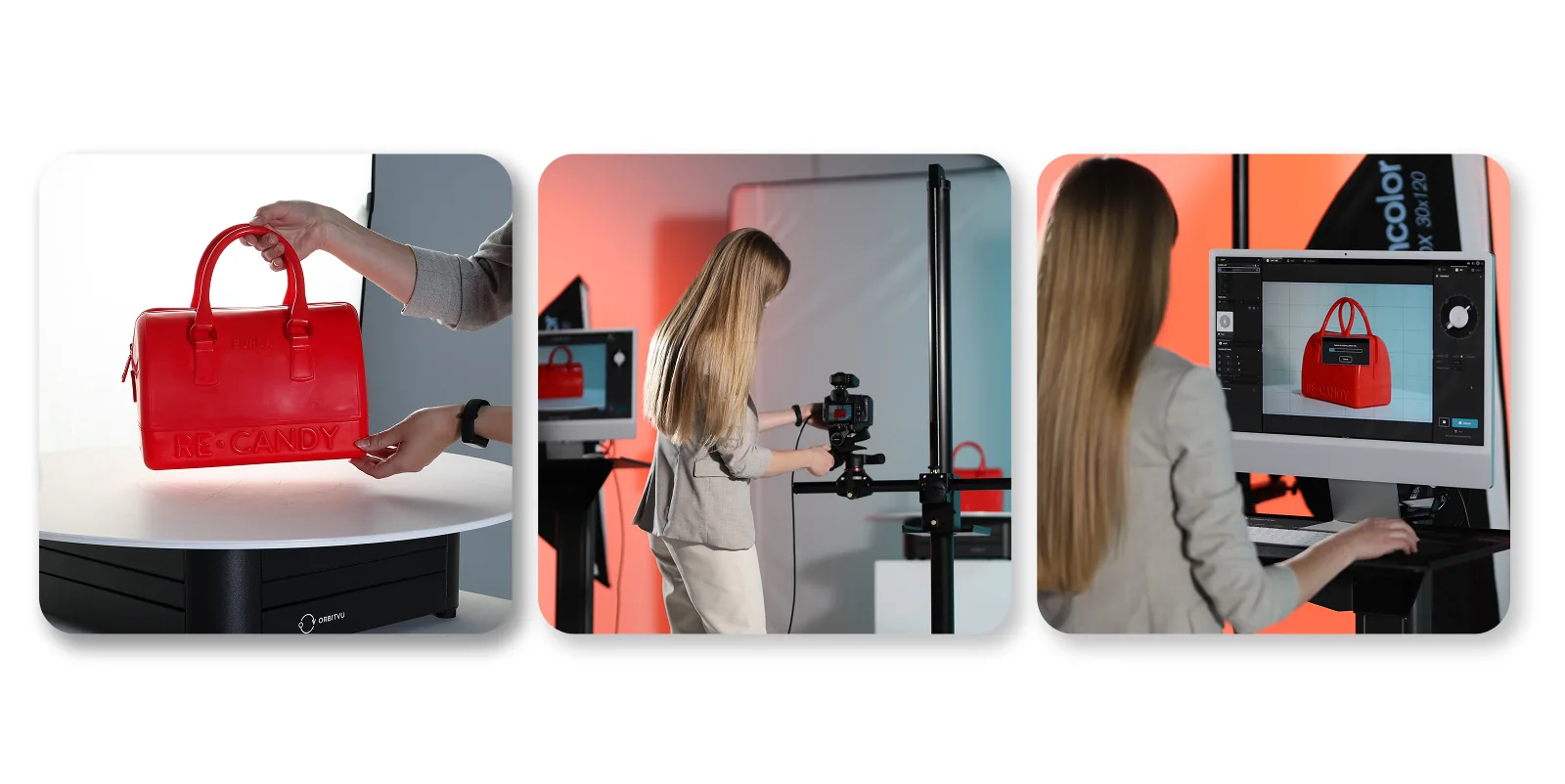
Tethered shooting can further improve quality control by showing each frame full-size on a larger screen immediately.
How do you edit flat lay photos in post-production?
The most important post-production step for flat lay packshots is background removal - even if you shoot on white.
Why remove the background on white anyway?
Vignetting: dark corners become visible on white backgrounds
Contrast loss: pushing white in post before cutout can make products look foggy
Automatic background removal with IQ Mask
IQ Mask removes background during capture, preserving smooth edges and natural shadow while keeping workflow fast.
Keep the natural shadow
Over-clean edits make products look like they float. Keeping natural shadow adds depth and improves perceived quality.
Color accuracy
Balance realism and visual impact. Avoid oversaturation that misrepresents the product.
Most common flat lay photography mistakes
Using wide-angle lenses (shape distortion)
Inconsistent lighting between shots
Skipping white-balance calibration
Over-ironing that removes natural drape
Removing natural shadow in post
Flat lay workflow from start to finish
A practical 7-step flat lay workflow
Prepare the garment (steam, lint-roll, tidy details)
Configure studio (camera position, lighting, white balance)
Set camera parameters
Capture the shot (prefer remote/tethered trigger)
Remove background (retain natural shadow)
Quality-check white and color accuracy
Export required formats (JPG/WebP/PNG and social crops)
Final thoughts: scaling flat lay clothing photography
Flat lay photography is practical, fast, and reliable for e-commerce. For best conversion results, combine flat lay with on-model photography to add fit and proportion context.
Whether you start with a tripod or move to Orbitvu Alphatable, the goal stays the same: consistency, quality, and speed.
FAQs about flat lay clothing photography
What equipment do I need for flat lay photography?
At minimum: camera or smartphone, tripod with overhead extension arm, white surface, and stable lighting. For higher volumes, automated systems reduce effort significantly.
What is the best background for flat lay clothing photography?
For marketplaces, pure white (RGB 255,255,255). For lifestyle/social, textured or colored backgrounds can add character.
What camera settings should I use?
ISO 100-200, f/8-f/11, focal length 35 mm+, manual white balance via grey card.
How do I remove the background from a flat lay photo?
Either manual masking in Photoshop or automated workflows (for example IQ Mask in Orbitvu workflows).
What is the difference between flat lay and product photography?
Flat lay is a subset of product photography defined by overhead capture. Other methods include ghost mannequin, 360, and on-model imaging.
Can I use my smartphone for flat lay photography?
Yes for casual content. For consistent e-commerce output, fixed camera setups with manual controls work better.
Should I combine flat lay and model photography?
Yes. Flat lay provides clear product detail; model shots provide fit and proportion context.
What image resolution do marketplaces require?
Most platforms need at least 1000 px on the longest edge, while many stores recommend larger files for zoom quality.
What is knolling in flat lay photography?
Knolling is arranging items in parallel lines and right angles for a clean, geometric composition.
What is tethered shooting and should I use it?
Tethered shooting sends images directly to a larger screen for immediate review and easier remote triggering.
AI-generated product images are fast and cheap, but they can drift from the real product. Here is where generated images lose product truth, what makes AI in product photography trustworthy, and how Orbitvu uses AI around the real product, never instead of it.
What tethering software actually does, how wired and wireless compare in 2026, the five categories of tools on the market, and how to choose one for a high-volume product photography studio.