March 22, 2026
Orbitvu Station 26.1 - Glowing Light
Real-time background removal, Broncolor lighting control, Capture One RAW support, custom metadata, and a new automation API — all in Orbitvu Station 26.1.

We are very excited to release Orbitvu Station 20.2 “Spinning tractor” 😉 This release brings a bunch of new features including support for our spinning turntables: MINI, MIDI and MAXI kits and dynamic video capture option when recording with Orbitvu Motorized Stand.
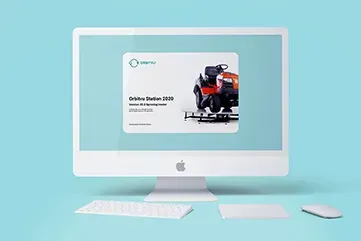
Table of contents
We are very excited to release Orbitvu Station 20.2 “Spinning tractor” 😉 This release brings a bunch of new features including support for our spinning turntables: MINI, MIDI and MAXI kits and dynamic video capture option when recording with Orbitvu Motorized Stand.
Read on for more information about the updates in this release.
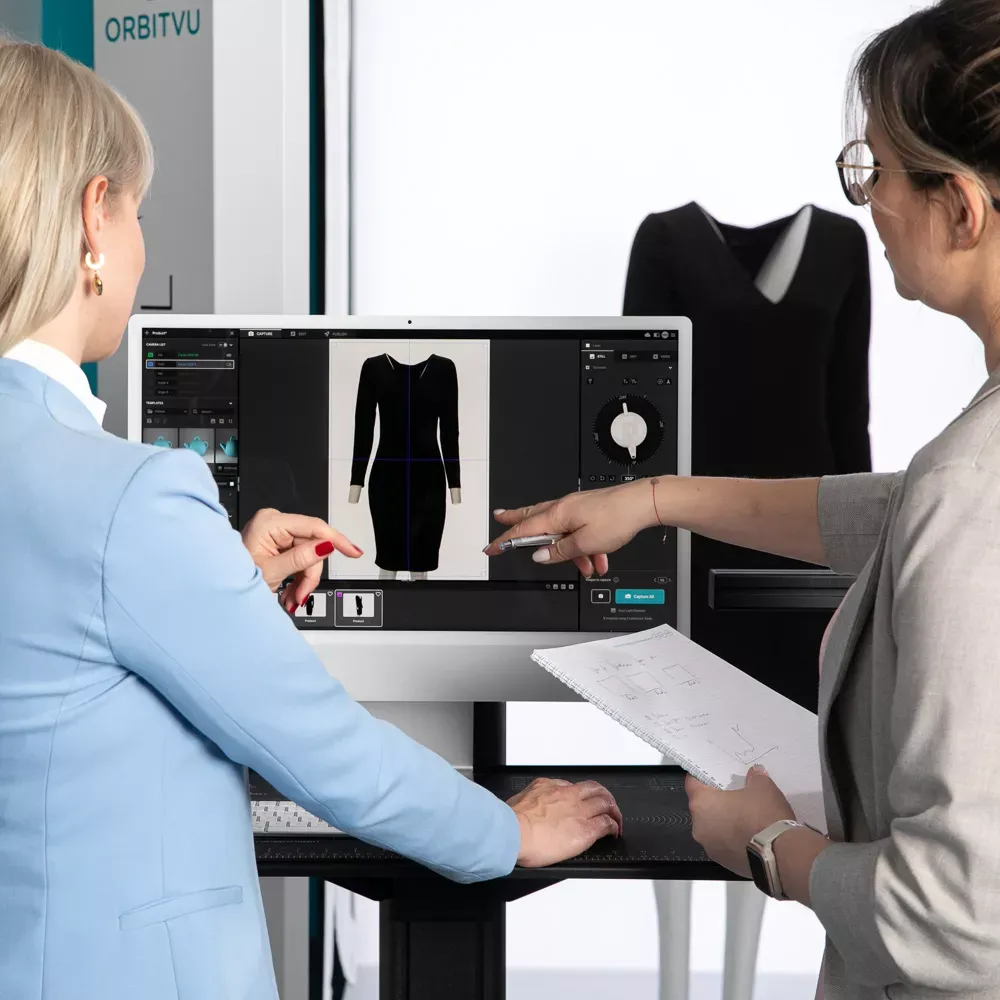
The long-awaited support for Orbitvu Kits has been finally added, so all of these devices can be operated and benefit from the Orbitvu Station. It gives Kits’ users access to simplified content production workflow and a bunch of automation features that are not available in Orbitvu Editor. Learn more about the Orbitvu Station.
Get all the features of Orbitvu Station 20.2 “Spinning tractor” free if you have an active support plan or test out the 30-days trial version. Both are ready to be downloaded from your SUN account.
Please note that due to Nikon SDK issues, Orbitvu Station doesn’t support Nikon cameras. For now, only selected Canon camera models are supported.
If you are using our Motorized Stand or Fashion Studio PRO, you can benefit from:
In the new Station, you can trim your videos straight away as the trimming tool is always accessible in the EDIT tab. No need to enter the Trimming mode to adjust a clip timeline. You can also immediately see whether a video clip was trimmed and how much. Video player was also optimized and you can now preview videos with more FPS.
Want to use a video frame as a still image? Nothing simpler. With the new release, you can just pause the video at the frame you like, click “Extract frame from the video” button and get a new image in STILL tab.
Now you can work faster and more conveniently with a camera shutter speed (brightness) control available directly in the Live View window. No more jumping to/from Camera settings when you just want to fine tune exposure.
Do you know that you can use keyboard shortcuts in Orbitvu Station? If not, we have prepared a full list of available shortcuts. You can use them to speed up your photography or video workflows.
Download Orbitvu Station 20.2 “Spinning tractor”
For the reminder, Orbitvu Station is free of charge for all clients with an active Support Plan. If you wish to try our software, but do not have the Support Plan, please activate it in your SUN account or contact our sales forces at [[email protected]](/cdn-cgi/l/email-protection#dfacbeb3baac9fb0adbdb6aba9aaf1bcb0b2).
Not sure how to use the new features? Check out our manuals.
Use the form to tell us what you are planning and what kind of product content workflow you need.
March 22, 2026
Real-time background removal, Broncolor lighting control, Capture One RAW support, custom metadata, and a new automation API — all in Orbitvu Station 26.1.
July 1, 2025
Brace yourself! Orbitvu is coming to FIN, this time in London! This latest series aims to provide insight into the latest e-commerce photo studio technology and workflow tools globally being implemented by studios both large and small. We are proud to partner with FIN for this event after a roaring success in LA, New York, and Atlanta.
July 1, 2025
Go big or go home. This version of Orbitvu Station introduces support for ALPHASHOT PRO G2, a completely new approach to light customization and user interaction, along with our innovative AI Photo Assistant. Are you ready for it?