July 18, 2023
How to photograph spare parts: a 10-step guide for 2026
Learn how to photograph spare parts step by step: part numbers, lighting for reflective metal, scale, 360° spins, white backgrounds, and bulk publishing.

Learn how to create a fashion lookbook from planning to publishing, and see how to speed up production with in-house automation.
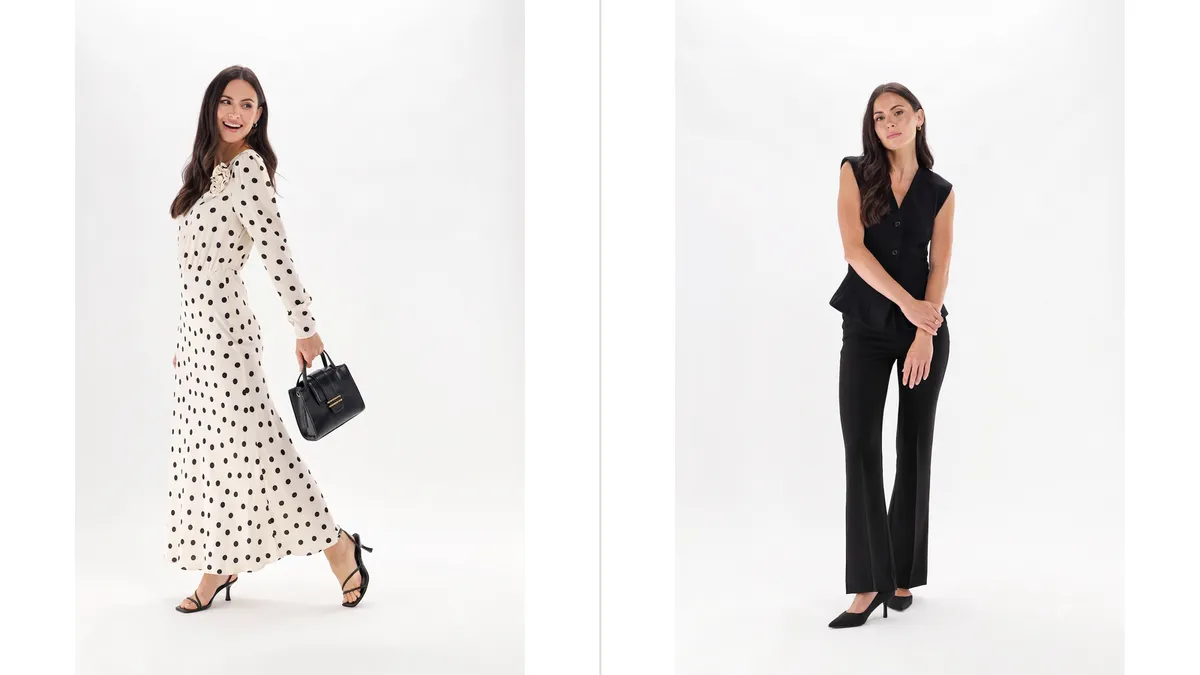
Table of contents
A great fashion lookbook turns one photo shoot into months of marketing - your store, your emails, your social feed, all from a single set of images. The hard part is keeping it consistent across a whole collection while still getting it out the door fast. This guide walks through both: the plan-shoot-publish process, and the fastest way to run it in-house.
To build a lookbook, you define your customer and theme, plan the shots, photograph the collection, edit to stay true to the real product, then publish in print or online. The slow route is a multi-week shoot with an outside studio. The fast route runs on product photography automation you own in-house, so one person can capture, edit, and publish a full collection in days, not weeks.
Here are both processes, step by step.
A fashion lookbook is a curated set of styled photos that presents a collection and carries a brand's identity. Think of it as the reference document for your creative direction and your communication style.
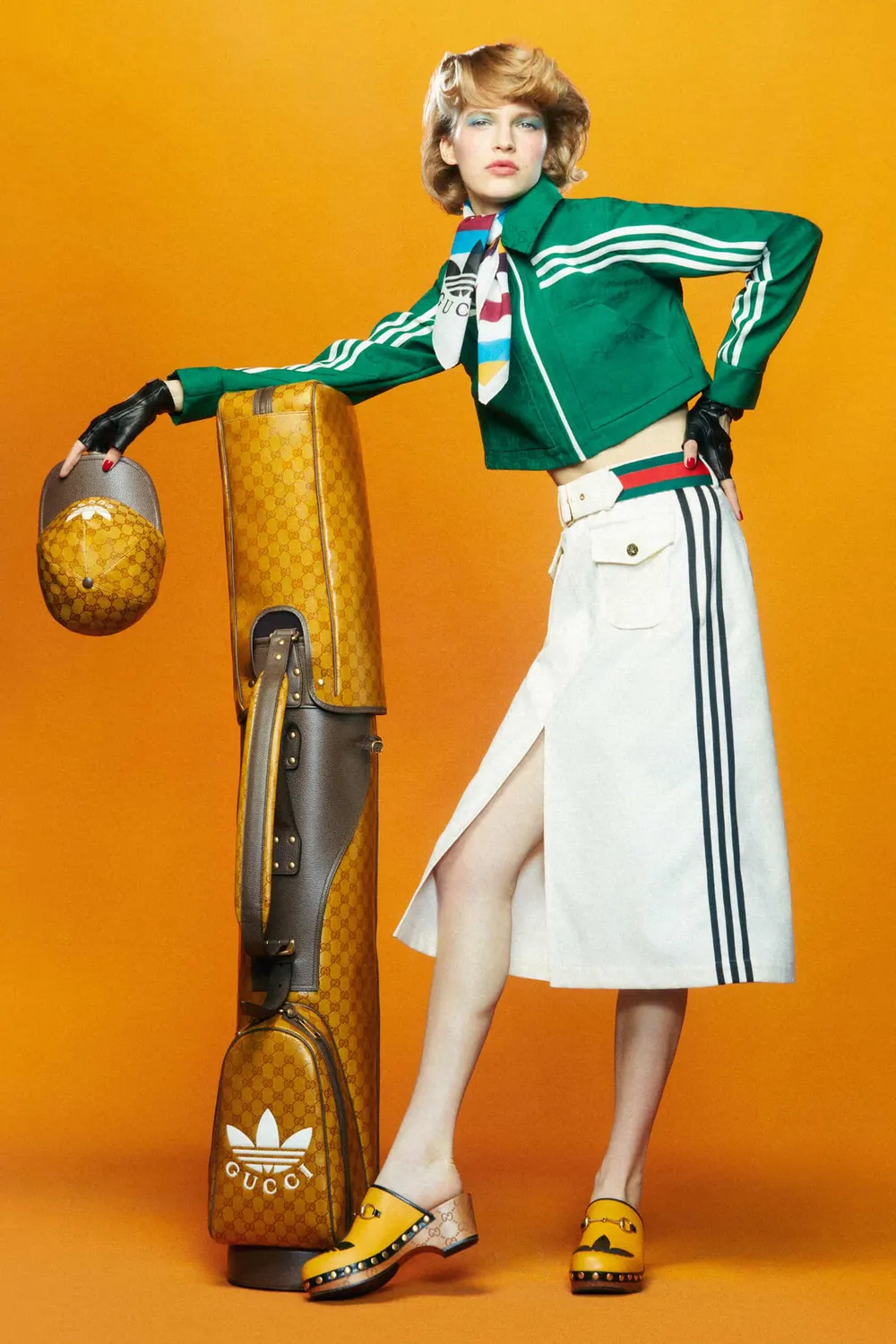
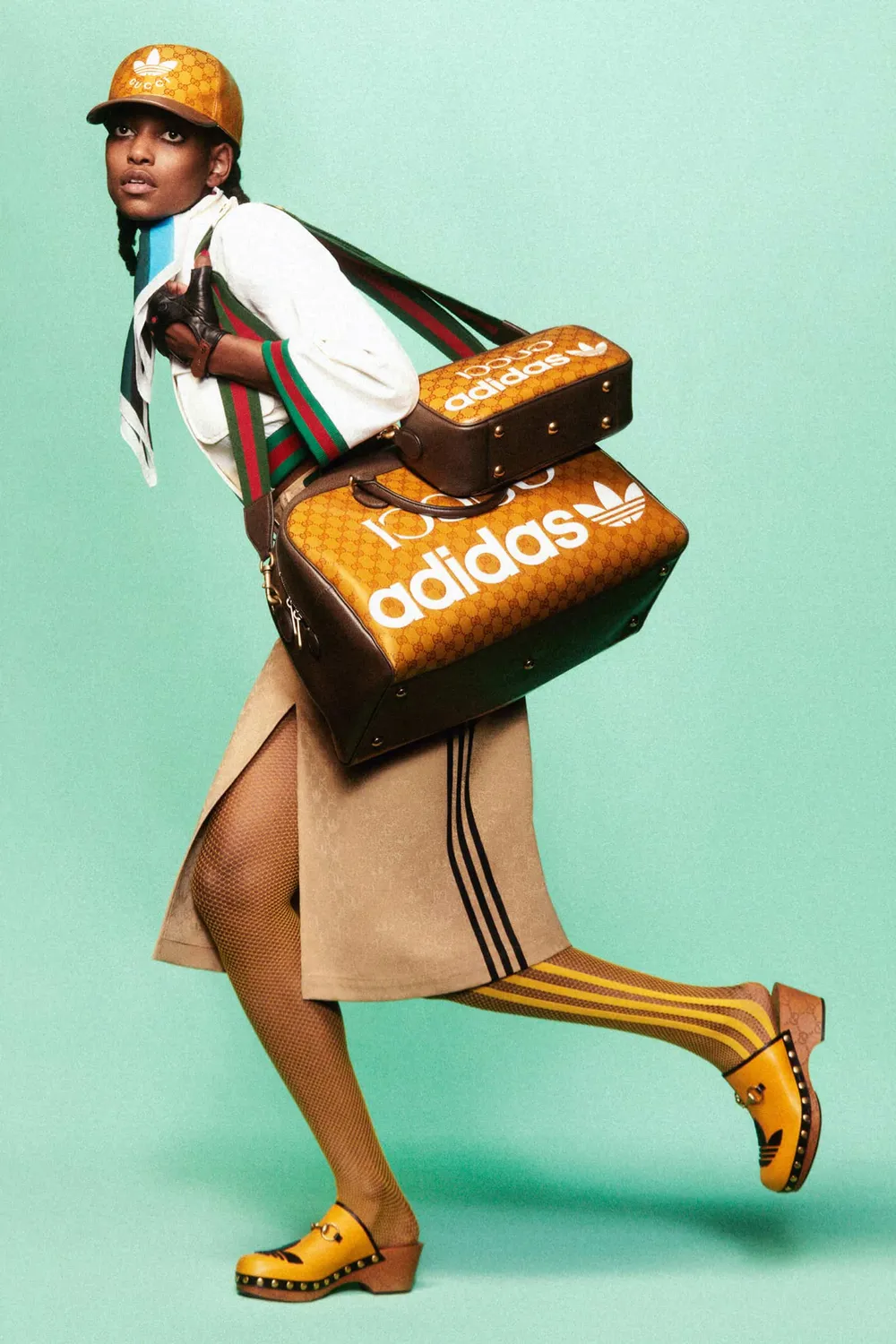
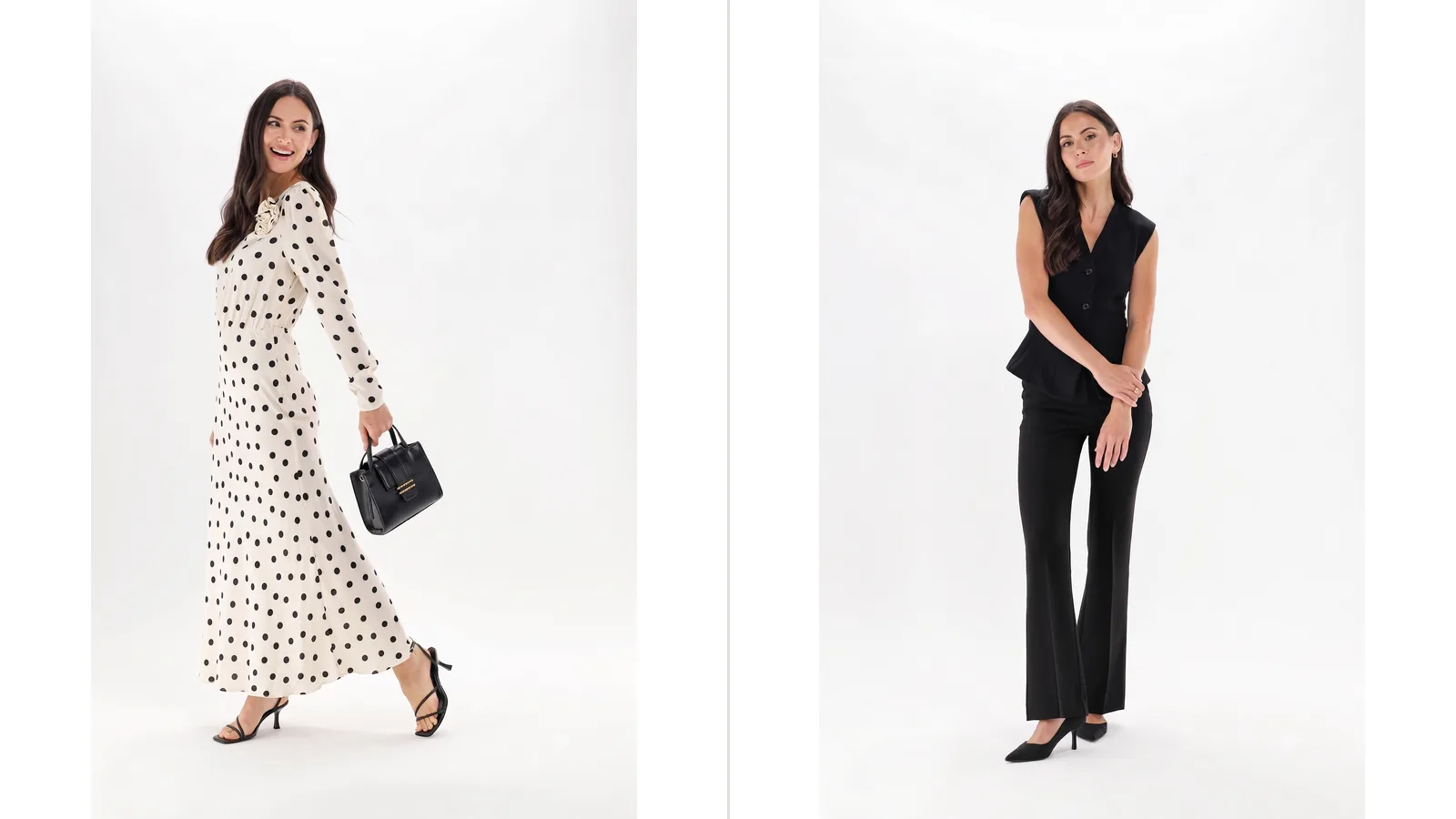
A strong lookbook combines a few core pieces: a cover that stops the scroll, a tightly edited image selection, a clear layout, a consistent color code, and one visual voice throughout. Together, these tell a customer who the collection is for within seconds.
You can start from a template you find online, then adapt it until it looks like your brand and nobody else's. The goal stays the same either way: leave an impression that connects the collection to a specific customer.
A lookbook is one of the most flexible marketing assets you can own. You shoot the images once, then reuse them across many channels.
A single lookbook can power:
Because the images work in so many places, they pay for themselves fast. A lookbook also does something a plain product gallery can't: it tells a story, carries your brand values, and speaks to what your customer wants to become. That shared identity is what keeps people coming back.
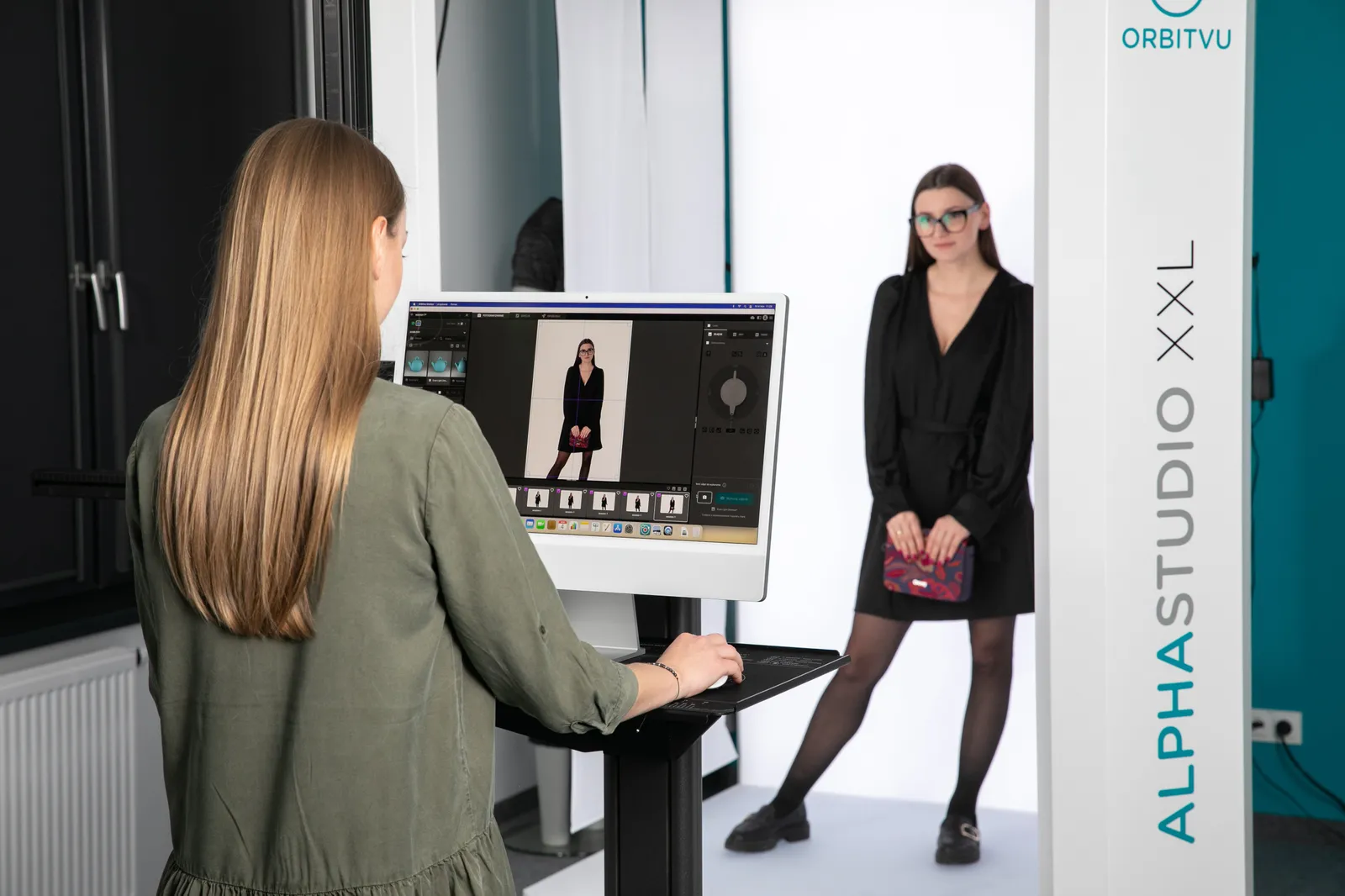
A lookbook takes more than a stack of product photos. Treat it like a project with three stages: plan, shoot, publish.
Planning is the stage most teams rush. Slow down here - every later decision depends on it.
Define your customer persona. Who will wear the collection, and what do they want? Your persona sets the tone for the images, the copy, even the format. A reader should know who the collection is for within seconds.
Choose your format early. PDF, an online lookbook, or a printed piece for an event - print and digital need different layouts, so decide before you shoot. A storyline that flows page to page is what separates a lookbook from a plain line sheet.
Set your brand identity. Pick a few keywords you want customers to associate with your products, then carry them through every project. A sustainable brand might choose a digital lookbook and recycled print stock. A streetwear label might lean on candid urban shots, while a luxury accessories brand might invest in a printed edition to signal quality.
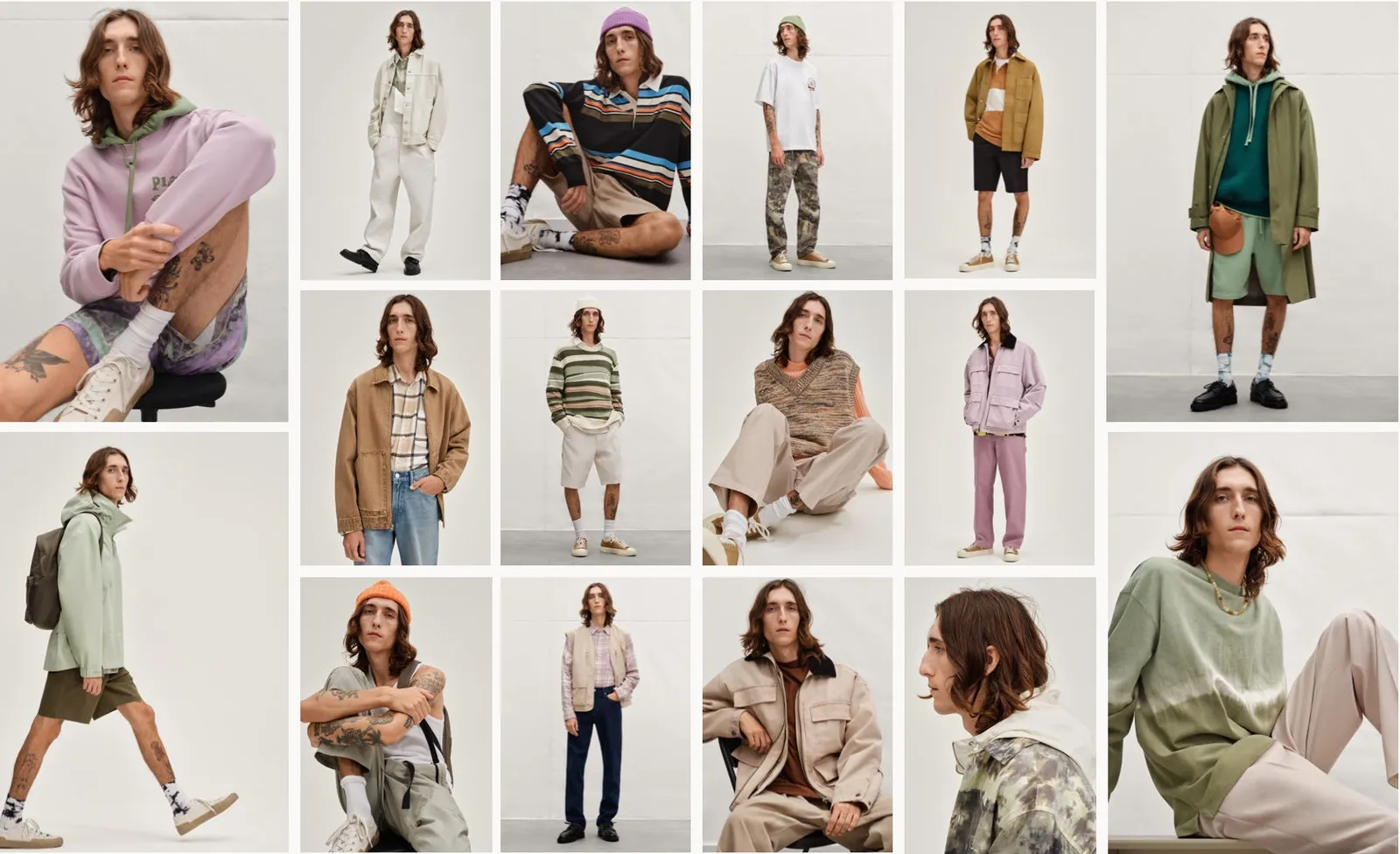
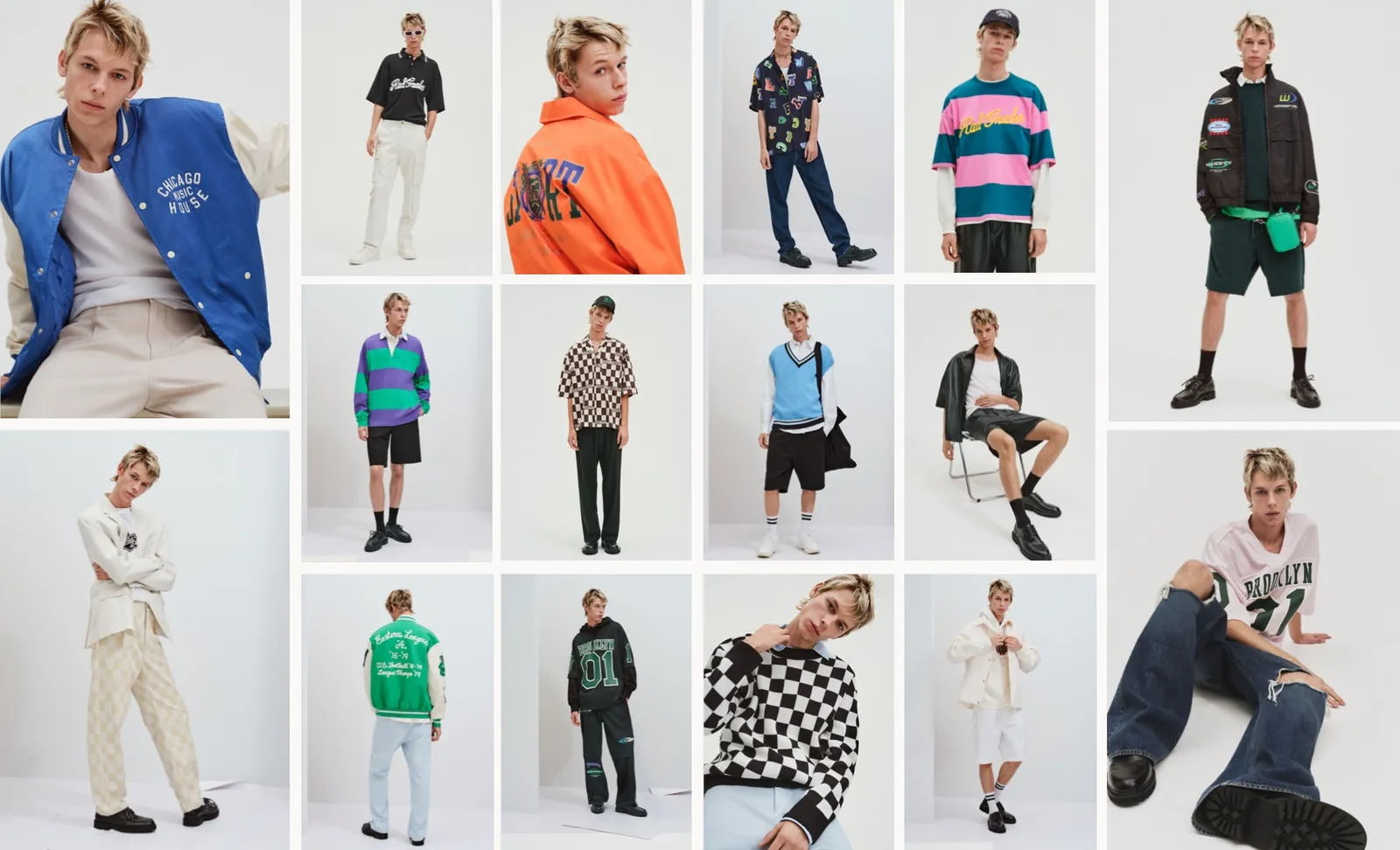
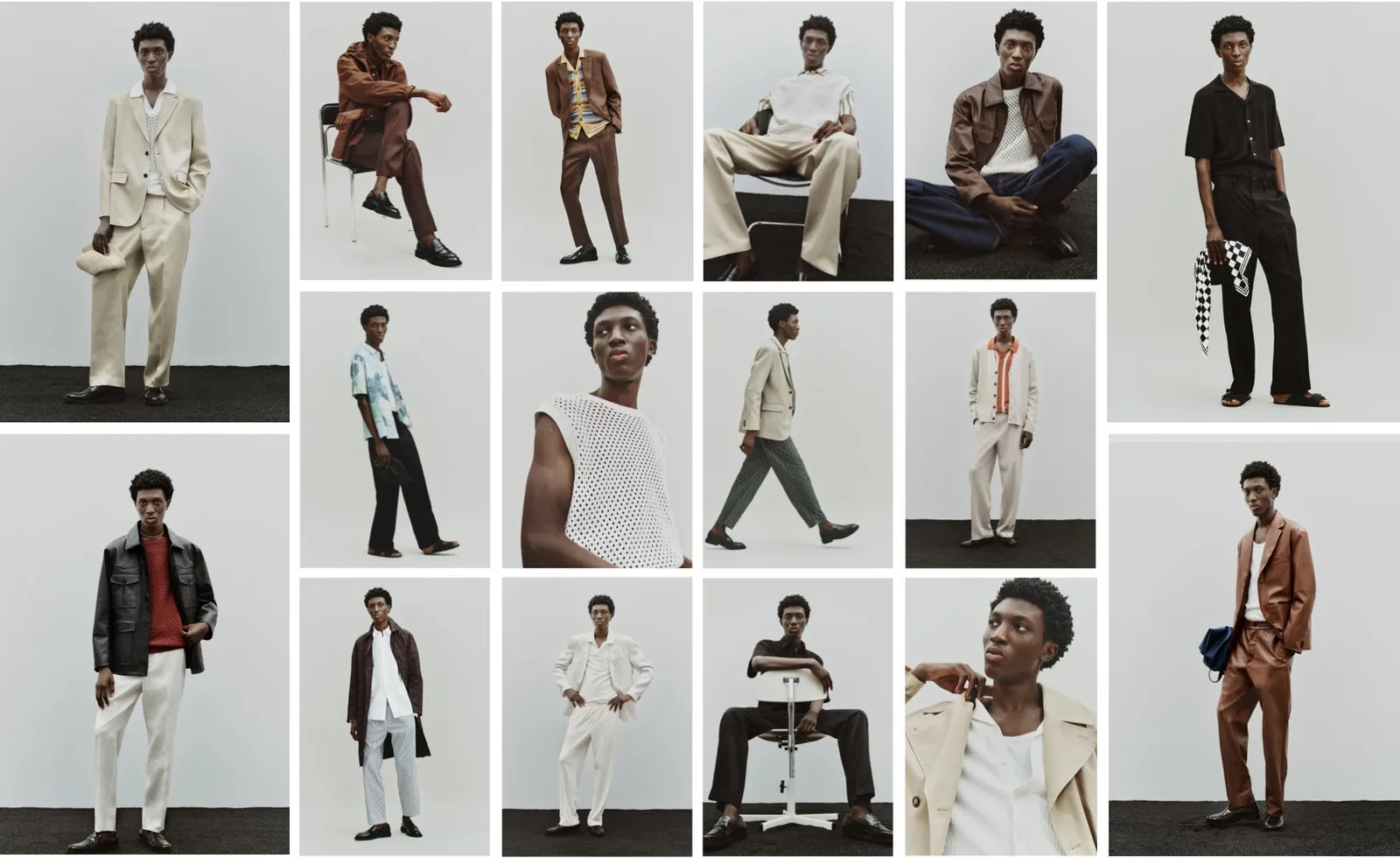
Pick your design software. Choosing your tools now saves hours later. Professional suites such as Adobe InDesign and Photoshop suit frequent, high-control work. Online editors and templates such as Canva suit occasional projects and smaller teams. Free or low-cost tools, paired with support forums, work if you can't hire a designer.
Create a storyboard. Sketch each planned photo and design element so you can review the composition before the shoot. It's also a shared reference for your photographer, models, and stylists - use it to plan lighting, accessories, focal length, and equipment in advance.
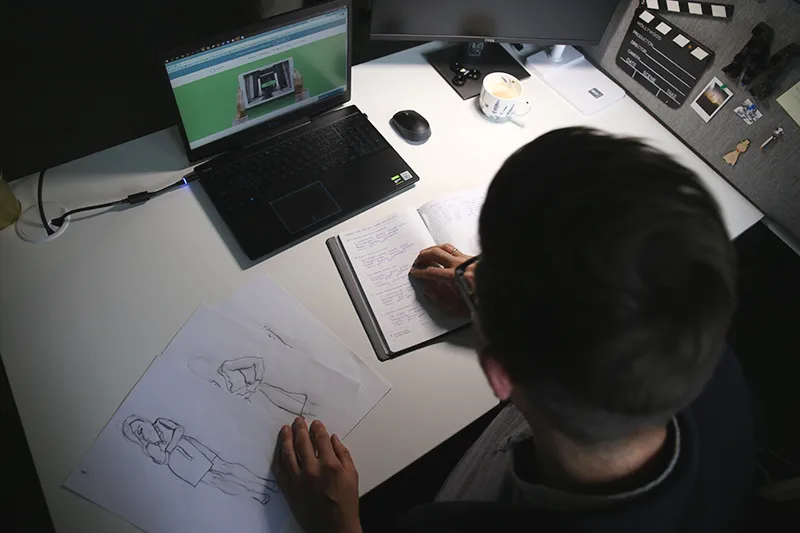
With the plan locked, you move to the shoot.
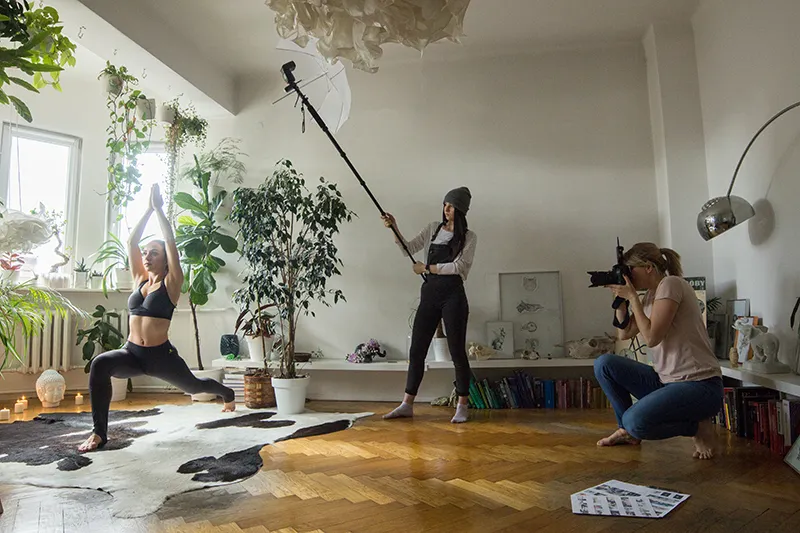
Choose your setting. It should match the collection's mood, your brand identity, and your customer. Budget matters here too - a studio, an outdoor location, and a remote destination all carry different costs, and some locations require permits, paperwork, or fees, so check early.
Decide in-house or outsourced. An outside model photography team brings professional gear and experience, but it adds cost and scheduling headaches. In-house gives you more control and a lower cost per shoot, especially if you photograph collections often. If you shoot it yourself, use a high-resolution camera such as the Canon EOS R5 with a long-focus lens.
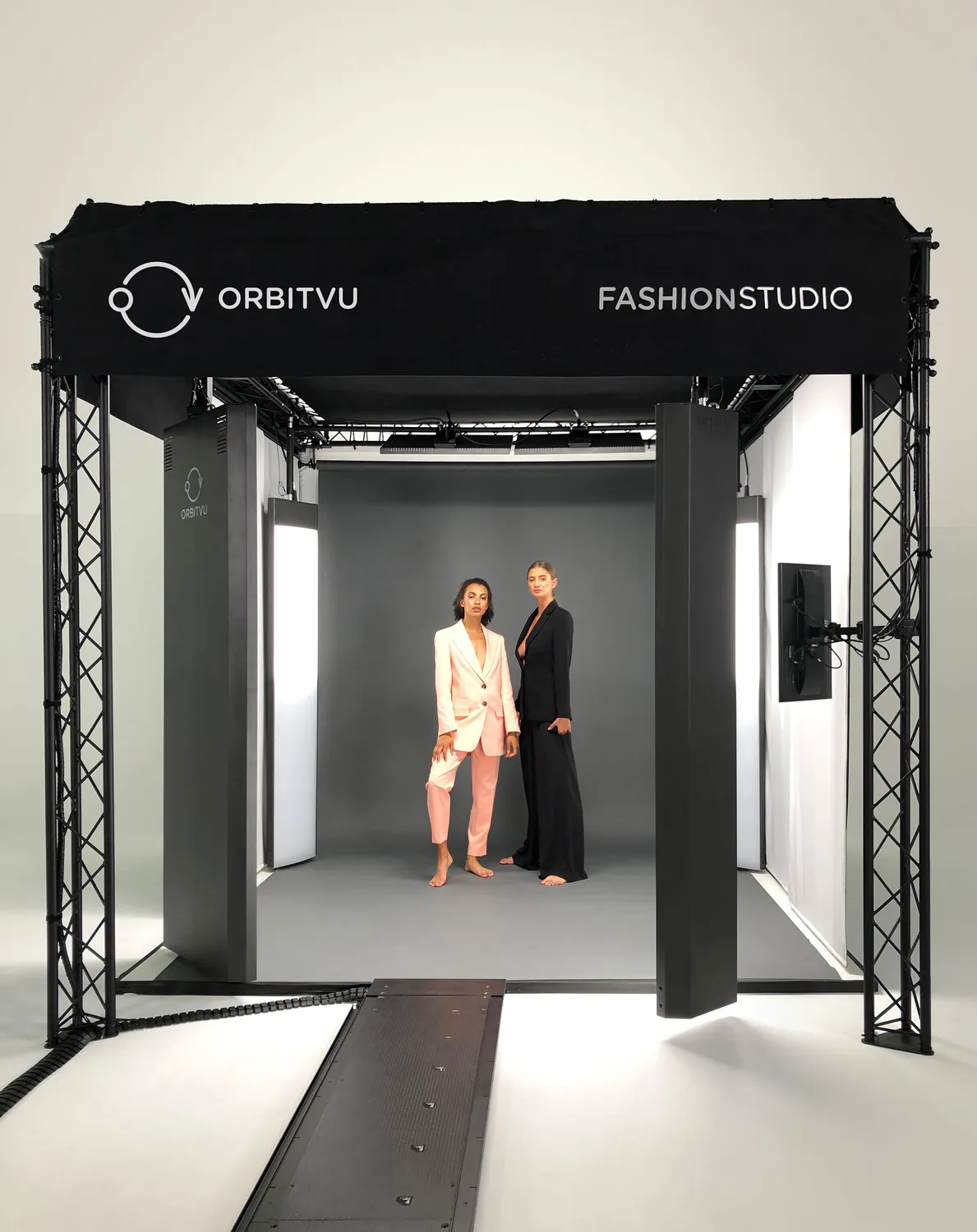
Capture accurate images. Your lookbook has to show the real product. Fix problems at the source - watch for dust, reflections, and clothing folds while you shoot. Careful capture means less retouching later.
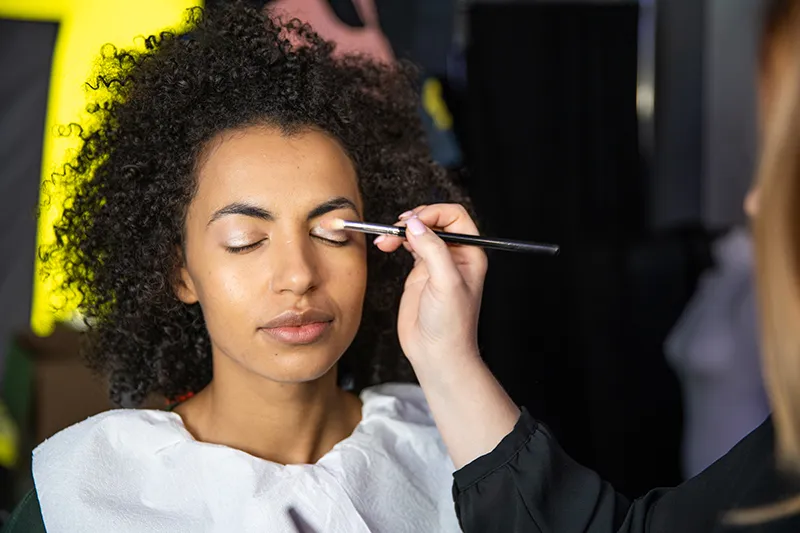
Write short product descriptions. Pair each look with brief, specific copy. Skip the long detail and focus on tone. Good descriptions pull the reader in and reinforce your brand voice. For a digital lookbook, write keyword-aware copy and add working links, so shoppers find the collection through search.
Plan your post-production. Decide who edits the images and how much editing they actually need. Edits should improve the image, not distort the product. Over-editing misleads customers and drives up returns, so accuracy beats polish. For a practical baseline, see our post-processing tips.
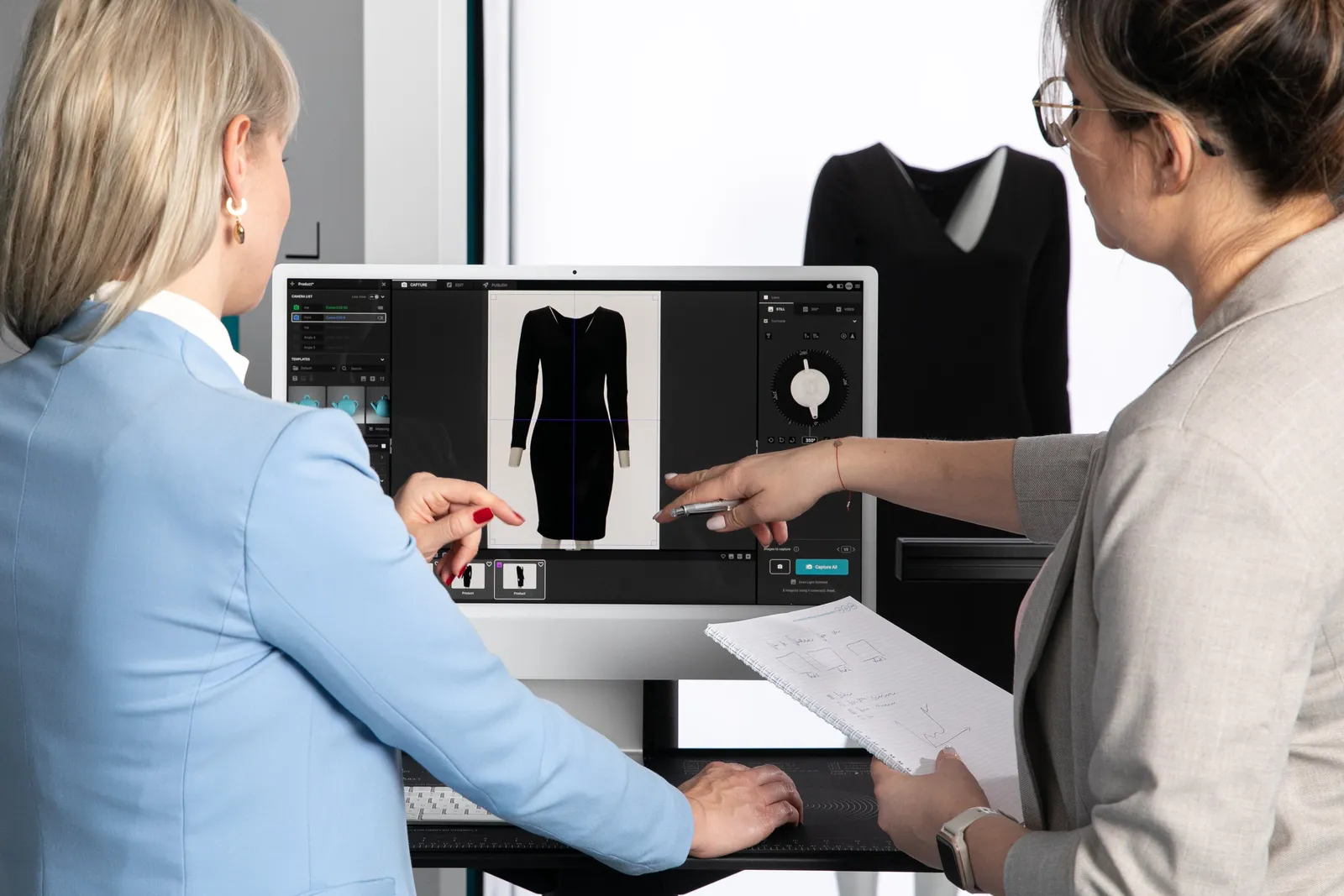
Now you share the finished lookbook and turn it into sales.
Print. A printed catalog works well for events, pop-ups, and direct mail. Choose a cover image that stops the reader. Test your paper weight, texture, and ink, and keep the format easy to hold - print quality shapes how customers perceive your brand, so treat it as part of the product.
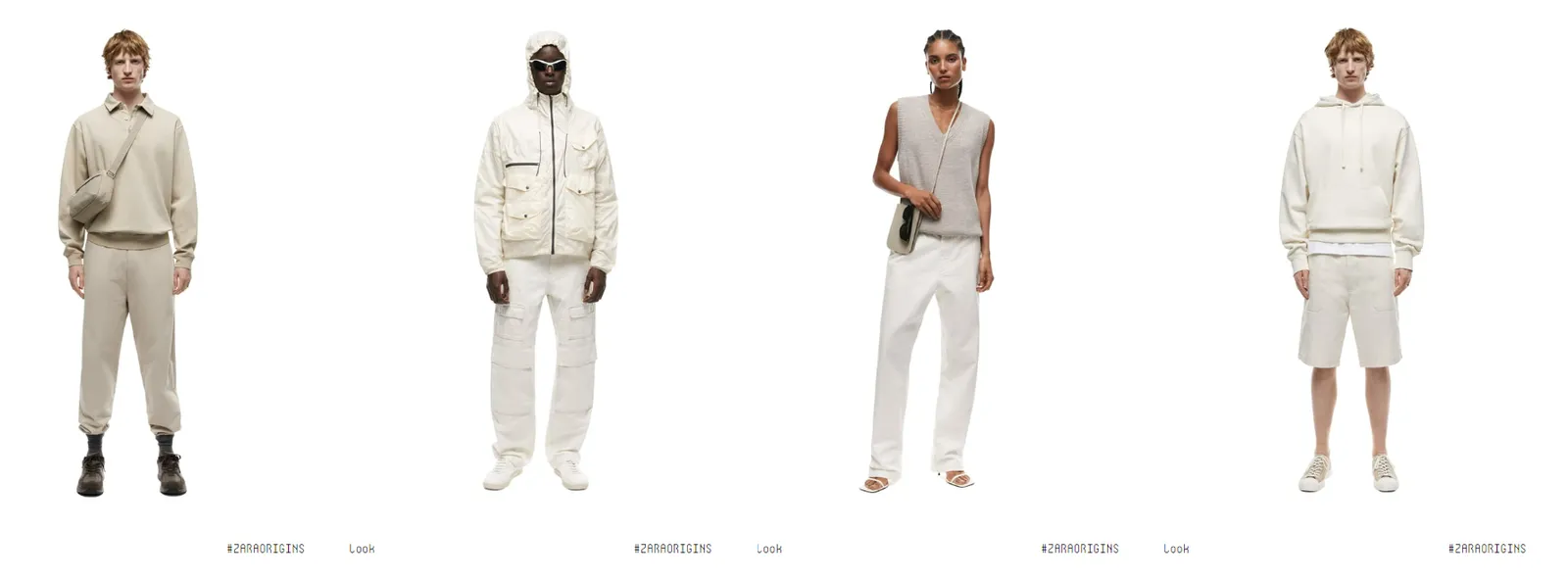
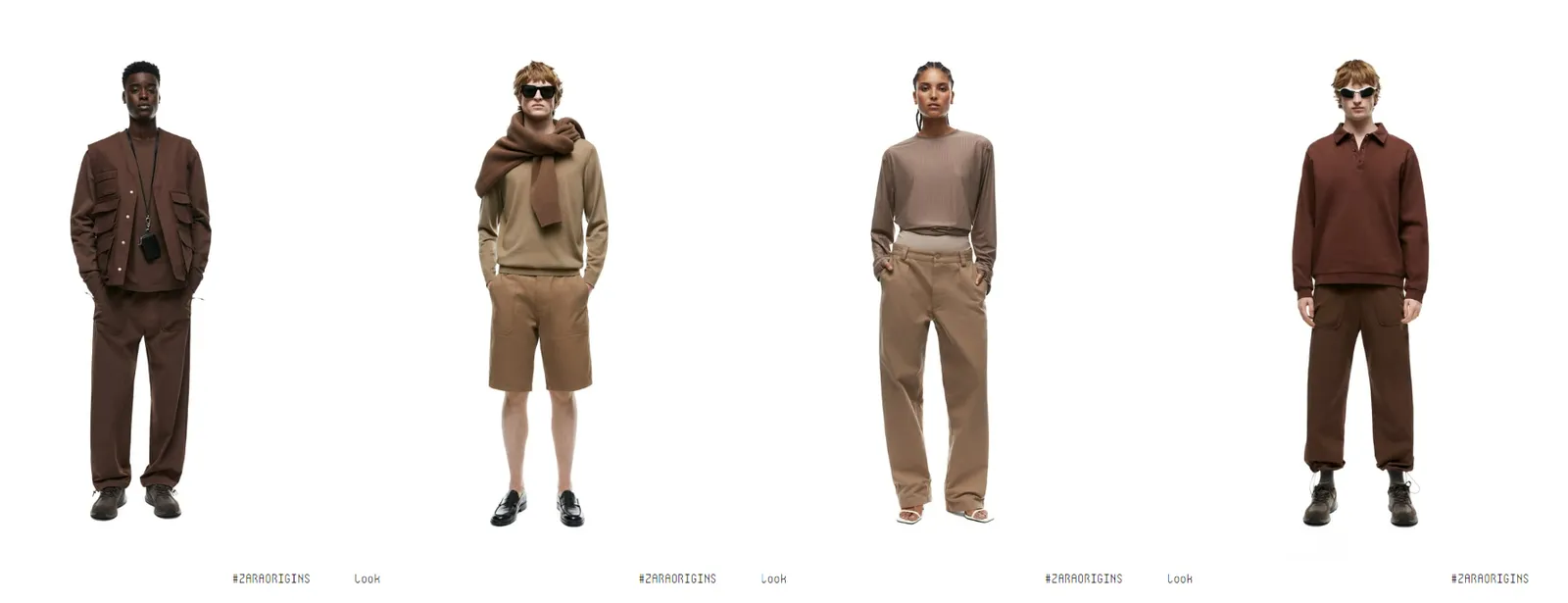
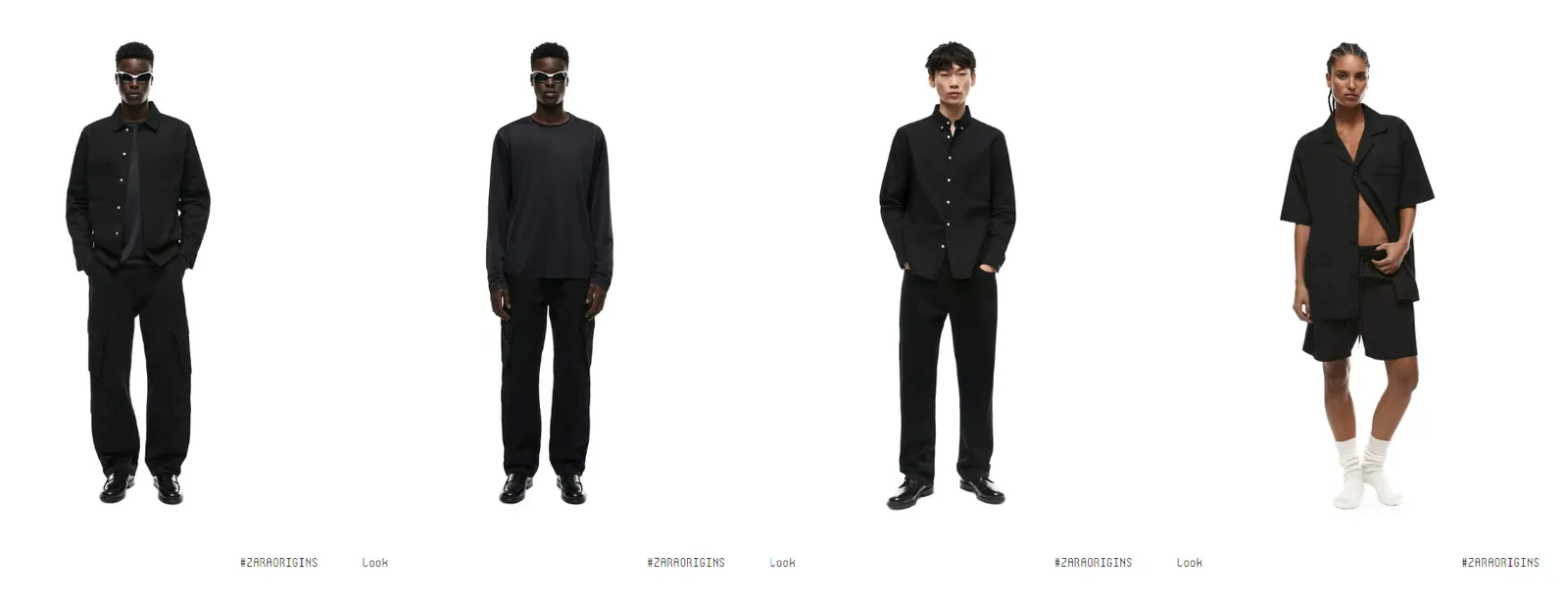
Postcards. Print a few signature images as postcards, add a thank-you note and a discount code on the back, then slip them into order packages. It's a small touch that brings customers back to your store.
Digital. A digital lookbook is the most flexible format. Make it interactive: check that every link works and that it loads cleanly on mobile and desktop. Add music, backstage video, and clickable product links to deepen engagement.
QR codes. A QR code connects print and digital. It's low cost, easy to update, and lets readers open the full digital lookbook in one tap.
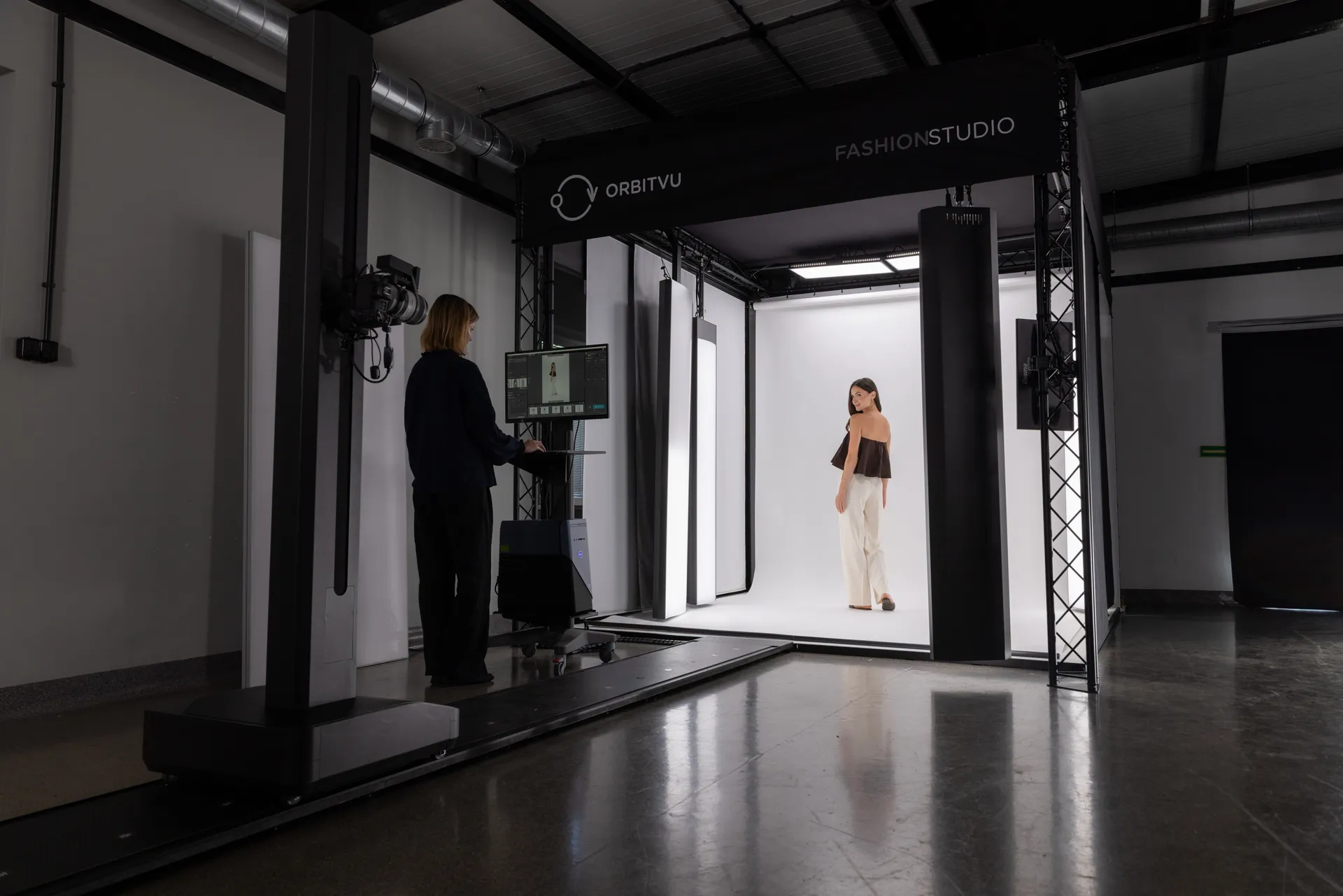
The biggest cost in a lookbook isn't the camera. It's the time and coordination - booking a studio, syncing a crew, waiting on retouching, then reformatting everything for each channel.
Product photography automation removes most of that overhead. Instead of stitching together vendors and handoffs, you capture, edit, and publish in one connected workflow: one studio, one operator, every format your store needs.
Orbitvu Fashion Studio is built for exactly this. It's a software-controlled studio for live models and life-size mannequins that captures stills, video, and 360-degree views in a single setup. Here's what changes for an e-commerce fashion team:
The result: trusted product content at scale, produced 100% in-house. You keep control of your brand look, and you cut the wait between a finished sample and a live collection page.
Carrie Kerns, Owner and Designer at Carrafina Private Label, put it this way: "We took over 4000 pictures and over 70 videos in our two-day shoot and that was unheard of before."
Most brands end up using both, but they serve different goals. Use this comparison to decide where to start.
| Factor | Print lookbook | Digital lookbook |
|---|---|---|
| Best for | Events, showrooms, pop-ups, direct mail | E-commerce, email, social media |
| Distribution cost | Higher (printing, shipping) | Lower (links, downloads) |
| Update speed | Slow - requires a reprint | Fast - edit and republish anytime |
| Interactivity | Static images | Clickable links, video, music |
| Brand signal | Tactile, premium, sensory | Flexible, immediate, shareable |
| Sustainability | Depends on materials | Lower physical footprint |
If you sell mainly online, start digital and add print for specific events. If your brand leans luxury or runs frequent in-person showcases, a printed edition can carry more weight.
A fashion lookbook is a curated set of styled photos built around a collection and a brand's identity - used across print, e-commerce, email, and social media.
A traditional lookbook can take several weeks, from planning and booking a crew through shooting and retouching. With an in-house automated studio, a team can shoot 150+ products a day and cut that to days.
Costs vary with format and production. Digital distribution is lower cost than print. Hiring an external studio raises the cost per shoot, while producing images in-house lowers it - especially for brands that shoot collections often.
A lookbook tells a story and sells the brand through styled imagery. A line sheet is a functional sales document that lists products, prices, and order details for buyers.
Yes. With an automated studio such as Orbitvu Fashion Studio, one person can capture, edit, and publish stills, video, and 360-degree views without an outside studio or a large crew.
A lookbook is an investment that keeps paying back. You shoot the images once, then reuse them across print, e-commerce, email, and social for months.
The plan-shoot-publish process stays the same whether you outsource or produce in-house. The difference is speed and control. Product photography automation lets you run the whole workflow yourself, keep the collection consistent, and get new looks live faster.
Bring your own products and watch one operator capture, edit, and publish a full set in a single session.
July 18, 2023
Learn how to photograph spare parts step by step: part numbers, lighting for reflective metal, scale, 360° spins, white backgrounds, and bulk publishing.
June 10, 2021
What a packshot is, where it's used, and how to shoot one - camera settings, lighting, angles, tricky packaging, and the image specs marketplaces ask for.
October 8, 2026
AI-generated product images are fast and cheap, but they can drift from the real product. Here is where generated images lose product truth, what makes AI in product photography trustworthy, and how Orbitvu uses AI around the real product, never instead of it.